Limit if Touched Order
The reactive one
A Limit If Touched (LIT) order is a conditional order type that becomes active once a specified trigger price is reached. When triggered, it submits a limit order at a predefined price or better. This order type allows traders to enter the market at more favorable levels or capitalize on price reversals. Learn how it works and when it may be strategically applied.

What is a Limit if Touched Order?
A Limit If Touched (LIT) order is a type of conditional order used to buy or sell a security once a specified trigger price is reached. When the market price touches or surpasses the defined trigger level, a limit order is automatically submitted at the predefined limit price. The trade will only be executed if the market can meet or improve upon that limit. This structure offers control over entry or exit prices in response to price movements that reach a certain threshold.
Disclaimer
Using a Limit If Touched (LIT) order provides the benefit of price control, as the trade will execute at the specified price or better only after the trigger price is reached. This can be particularly advantageous when trading highly liquid securities during regular trading hours with low capital, as it helps mitigate the risk of unfavorable prices caused by sudden market movements. However, there is a possibility of the order being partially filled.
Key Features
Price Control
A Limit If Touched (LIT) order provides defined control over the execution price. For buy orders, you can set the maximum price you are willing to pay. For sell orders, you can specify the minimum price you are willing to accept. This gives investors the ability to enter or exit positions only under favorable pricing conditions, helping to manage execution risk.
Non-Execution Risk
LIT orders are subject to the risk of non-execution. If the market does not reach your specified limit price after the trigger is activated, the order may remain unfilled. In volatile or illiquid markets, the available volume at the limit price may also be insufficient to fill the order entirely. It is important to consider current market conditions and appropriate pricing when submitting a LIT order.
How does it work?
Once a Limit If Touched (LIT) order is submitted, the system continuously monitors the market price of the selected security. When the trigger price is reached or exceeded, a limit order is automatically sent to the exchange at the specified limit price. Execution will only occur if market conditions allow the trade to be filled at the limit price or better.
Buy Order
For a buy LIT order, the trigger is typically set above the current market price. When the market price rises to or beyond the trigger level, the associated limit order is submitted. The order will only execute if the price is at or below the specified limit.
Sell Order
For a sell LIT order, the trigger is generally set below the current market price. When the market price falls to or below the trigger level, the associated limit order is submitted. The order will only execute if the price is at or above the specified limit.
Example:
You want to place a Limit If Touched (LIT) order to buy 300 shares of XYZ. You set the trigger price at 18 EUR and the limit price at 17 EUR.
At the time of submission, XYZ is trading at 20 EUR per share. The order will remain inactive until the market price falls to 18 EUR or lower. Once this condition is met, a limit order to buy 300 shares at 17 EUR is automatically sent to the market.
If there is sufficient liquidity, for example, if a seller is offering all 300 shares at 17 EUR, the full order will be executed immediately at your limit price.
If only part of the required volume is available, the order may be partially filled. For instance, if 100 shares are available at 17 EUR and the next best offer is 200 shares at 18 EUR, then 100 shares will be purchased at 17 EUR. The remaining 200 shares will remain as an open limit order until the price meets the specified limit or the order is canceled.
Transaction costs:
If the order is executed in several parts within the same trading day, the broker typically combines all executions and charges a single commission based on the total filled volume for that day. However, if the order remains active overnight and further shares are executed on subsequent trading days, each day’s execution is treated as a separate transaction. In that case, minimum commissions or transaction fees may apply for each day in which part of the order is filled.
Advantages and disadvantages
Advantages
Disadvantages
- Avoiding Slippage:
A Limit If Touched (LIT) order helps reduce the risk of slippage, as the order is only submitted once the trigger price is reached. This ensures that the execution occurs at the limit price or better, protecting against unfavorable price changes in volatile markets.
- Time Risk:
In fast-moving markets, there is a possibility that the trigger price is briefly reached, but the order is not filled before the price moves away. This can lead to missed opportunities if the limit price is not matched quickly enough.
- Automation:
The order is automatically activated once the trigger condition is met, reducing the need for constant market monitoring and allowing for more efficient trading strategies.
- Complexity:
Compared to standard stop or limit orders, LIT orders require careful planning and understanding of both the trigger and limit price levels. This added complexity may lead to misuse if not fully understood.
- Price Control:
LIT orders provide the benefit of price certainty. Once triggered, the order will only be executed at the specified limit price or a more favorable one, offering traders clear control over their execution conditions.
- Non-Execution Risk:
If the market does not reach the trigger price, the order will not be activated. Even if triggered, the order may remain unfilled if the market does not reach or improve upon the limit price, especially in conditions of low liquidity.
Submitting a Limit if Touched Order via LYNX
The Limit If Touched (LIT) order type is not supported within LYNX+. For suitable alternatives, please refer to the FAQ section. You may also consider using one of the other available trading platforms that offer this order type.
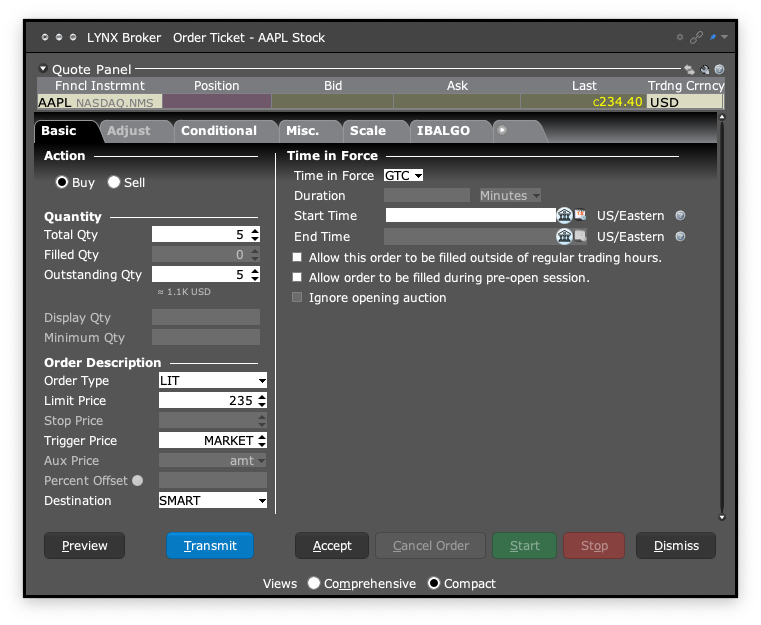
After logging in to Trader Workstation (TWS), open the order ticket by clicking Order in the top left corner.
If a security is already selected, the order ticket for that instrument will appear automatically. You can change the underlying by entering the name, ticker symbol, or ISIN in the Financial Instrument field at the top of the ticket.
Next, select the desired action (Buy or Sell), specify the order quantity, choose the destination, and set the Time in Force for your order.
From the Order Type dropdown menu, select LIT.
At the bottom left of the order ticket, click Preview to review the order details. Once confirmed, click Transmit to submit the order, or Close to exit the preview without submitting.
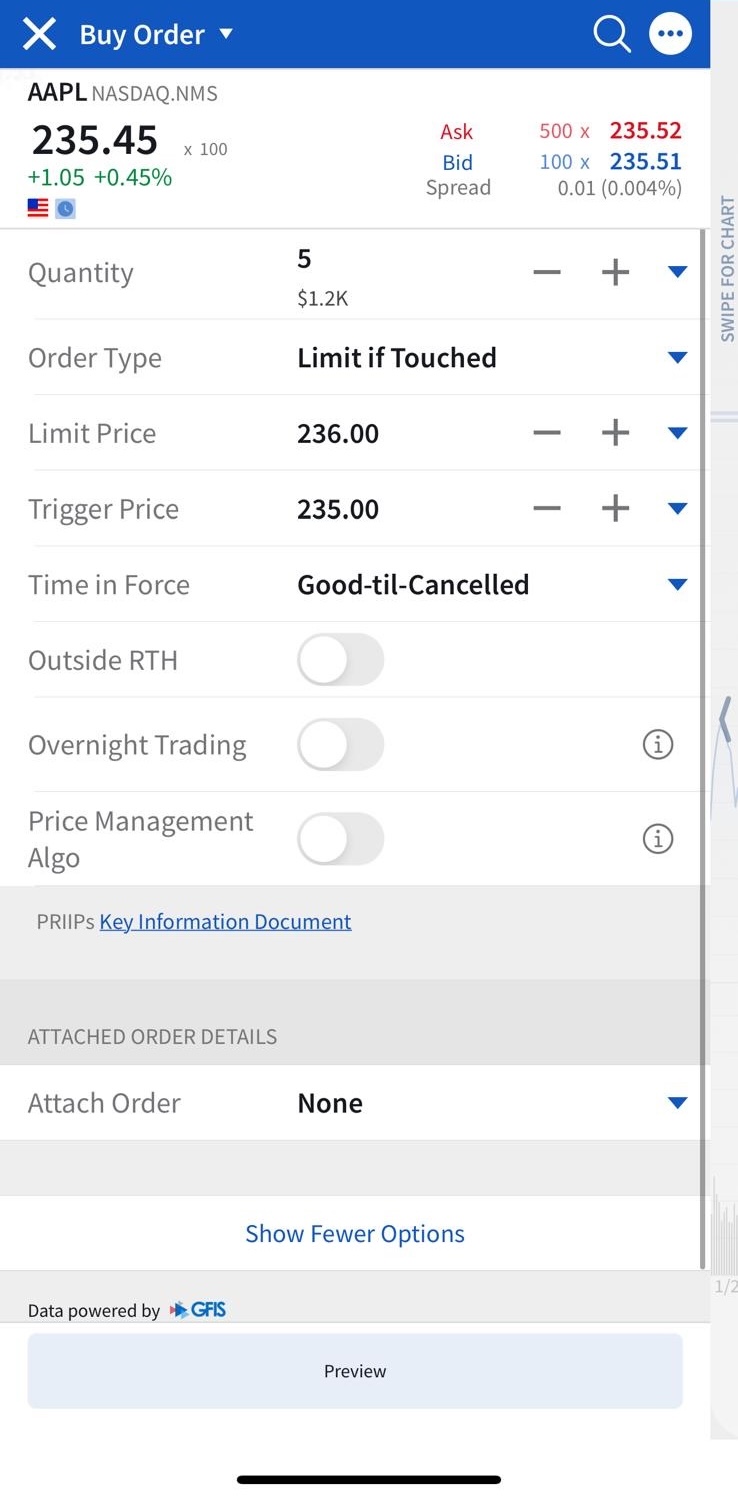
To search for a product, tap the Search icon in the top right. Enter the name, ISIN or ticker symbol.
Tap a search result to open the product’s page.
By clicking on Sell or Buy, you will access the order ticket.
Specify the Quantity and set the validity period of your order under Time in Force. Select Limit if Touched (LIT) as an order type.
Before submitting the order, you can check the parameters of your order via Preview/Calculator icon on the bottom right.
To submit the order, swipe right over the Slide To Submit Sell/Buy button.
Tips before submitting a Limit if Touched Order
Submitting a Limit If Touched (LIT) order involves specific considerations to improve execution outcomes and reduce the risk of unintentional results. Three primary aspects should be evaluated carefully before order placement.
Price Setting
The limit price selected should reflect current market dynamics.
If the limit is placed too far from the prevailing price, the order may not be executed even if the trigger condition is met.
While LIT orders allow for controlled execution, this control may come at the cost of missed opportunities if the market fails to reach the specified level.
Timing
LIT orders generally perform best during standard trading hours when liquidity is highest.
Submitting an order during times of heightened volatility, such as during earnings reports or significant economic announcements, may reduce the likelihood of full execution.
Additionally, price gaps or sudden swings can lead to the trigger being reached without the limit order filling, especially in fast-moving markets.
Order Duration
Carefully choose how long the order remains active.
A “Day” order expires at the close of the trading session if not filled, whereas a “Good ‘Til Canceled” (GTC) order remains open until executed or manually canceled.
It is important to be aware that most platforms treat GTC orders as valid only until the end of the next calendar quarter, after which they may be canceled automatically. Selecting the right duration helps align the order with your intended strategy and reduces the chance of unexpected executions over time.
FAQ
Will my LIT order be executed if the market is closed?
Yes, a Limit If Touched (LIT) order can be executed outside regular trading hours, but only if the order is explicitly configured to allow it. For stocks, Interactive Brokers (IBKR) supports LIT, Trail Limit, and Stop Limit orders during pre-market and after-market sessions. To enable this, the option to allow execution outside regular trading hours must be selected in the order ticket at the time of submission.
For derivatives, availability may vary depending on the specific product and exchange rules.
For more information, check this page: Outside Regular Trading Hours.
What is the difference between a MIT and a LIT order?
The key difference between a Market If Touched (MIT) order and a Limit If Touched (LIT) order lies in how the trade is executed once the trigger price is reached.
A MIT order becomes a market order when triggered, meaning it will execute immediately at the best available price. In contrast, a LIT order becomes a limit order, which will only execute at the specified limit price or better.
This distinction affects both execution certainty and price control.
- MIT orders offer higher execution likelihood but may experience slippage.
- LIT orders provide price control but carry the risk of non-execution if the market price does not meet the limit condition.
What is the difference between a LIT and a Limit order?
The primary difference between a Limit If Touched (LIT) order and a standard Limit order lies in their activation conditions.
A Limit order is active immediately upon submission and seeks execution at the specified limit price or better. In contrast, a LIT order remains inactive until the market reaches the specified trigger price. Once that trigger is touched, the LIT order becomes an active limit order at the predefined limit price. This makes LIT orders particularly useful when you want to react to specific market movements before entering a trade, while limit orders are used when you’re ready to enter a position at a defined price from the outset.
When could I consider to use a LIT order?
A Limit if Touched (LIT) order may be suitable if you want to buy or sell a security only once its price reaches a specified level, and you want to maintain control over the execution price. For example, you could use a LIT order to buy if you expect the price to temporarily decline to a more favorable level before rising again. Conversely, it can be used to sell once a specific price target is reached—while avoiding the risk of execution at an unfavorable price, as could happen with a Market if Touched order.
Can I cancel a LIT order after it has been placed?
Yes, you can cancel a LIT order at any time, as long as the trigger price has not been reached or the resulting limit order has not yet been executed.
Explore other order types

Market Order
Order Types
A market order is an instruction to buy or sell a financial instrument as quickly as possible at the best available price on the exchange. It prioritises execution speed over price control.
Learn more about this order type
Limit Order
Order Types
A limit order is an instruction to buy or sell a financial instrument at a specified price or better. It provides price control, but execution is only possible if the market reaches the set limit price.
Learn more about this order type
Stop Order
Order Types
A stop order is activated once a specified stop price is reached. It then becomes a market order to buy or sell the financial instrument.
Learn more about this order type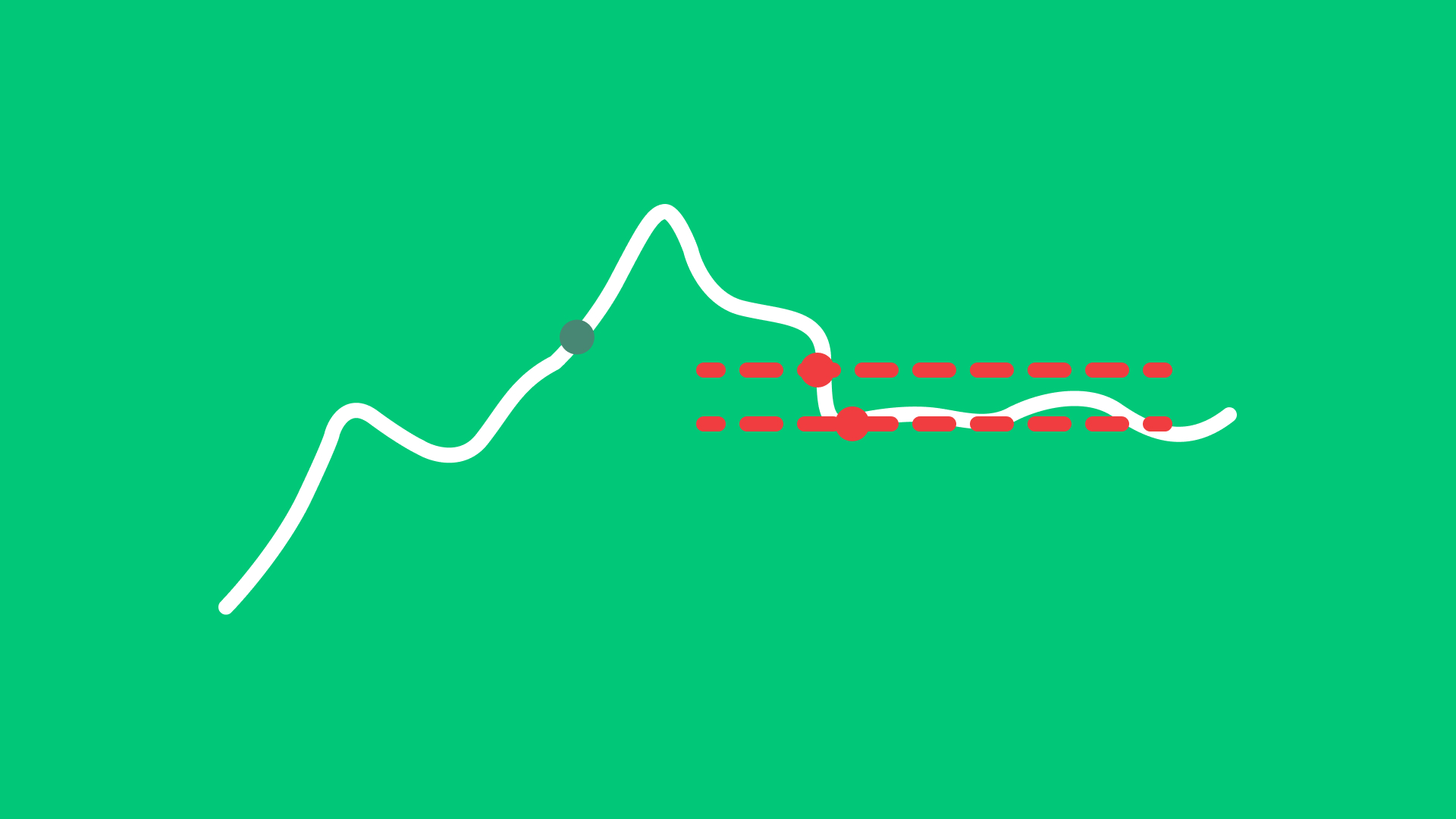
Stop Limit Order
Order Types
A stop-limit order is triggered once a specified stop price is reached. After activation, it becomes a limit order at the user-defined limit price.
Learn more about this order type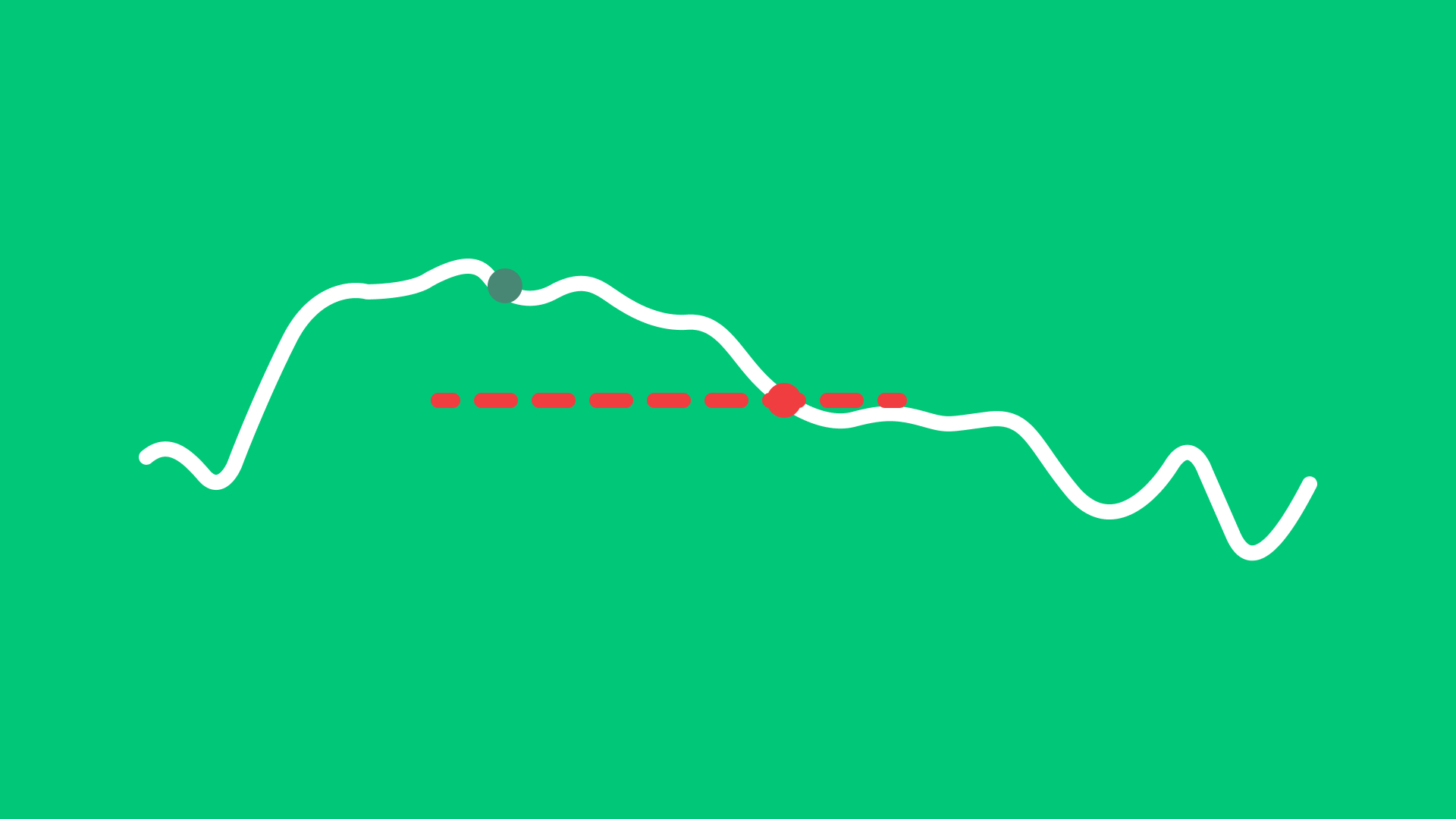
Trail Order
Order Types
A trail order automatically adjusts the stop price by a fixed amount or percentage as the market price moves, helping to follow upward or downward trends.
Learn more about this order type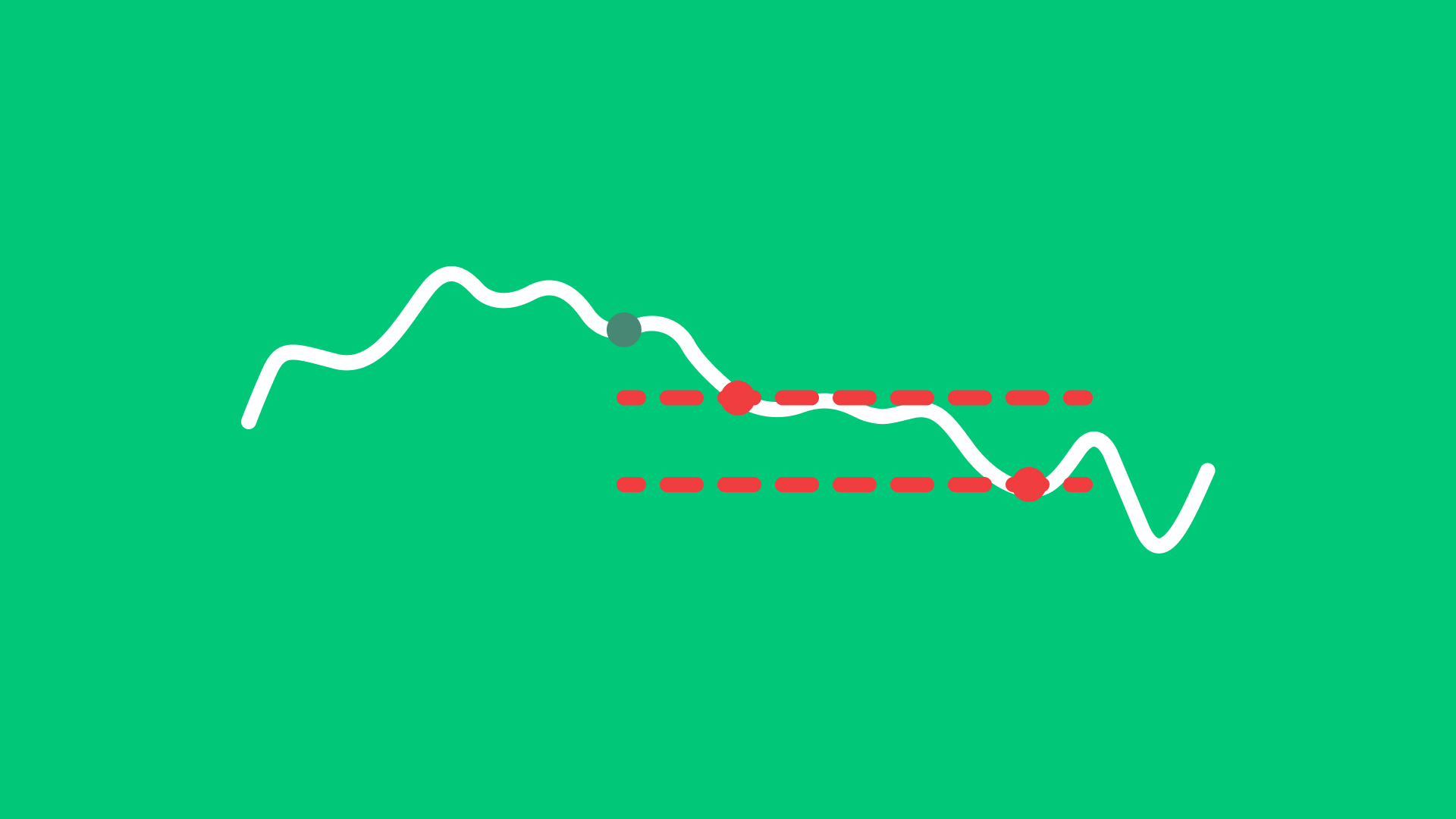
Trail Limit Order
Order Types
A trail limit order adjusts the stop price by a fixed amount or percentage as the market moves. Once the stop price is reached, a limit order is placed at the predefined limit level.
Learn more about this order type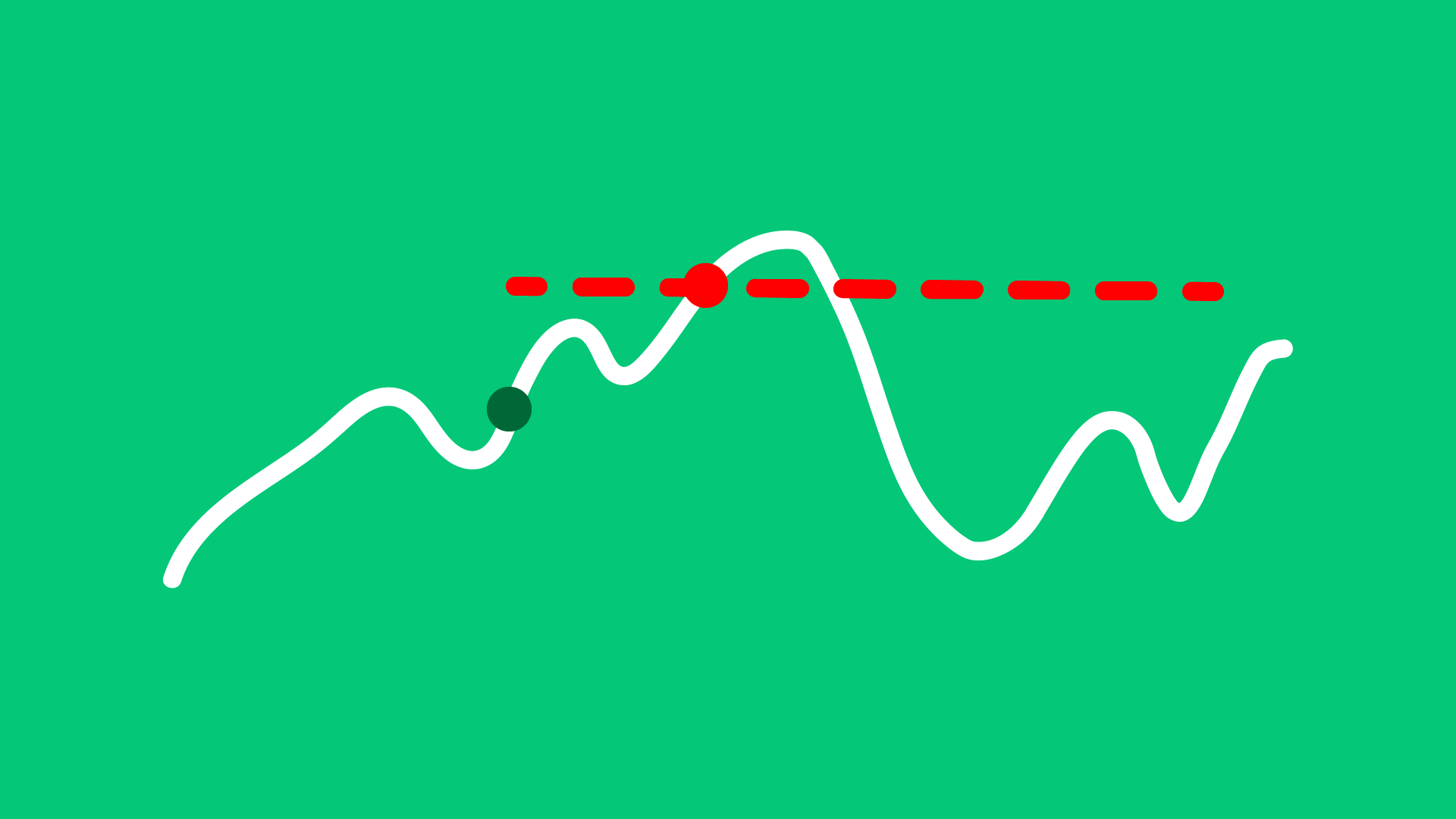
Market if Touched Order
Order Types
A Market if Touched order is activated when the market reaches a predefined trigger price. Once triggered, it becomes a market order and is executed at the best available price.
Learn more about this order type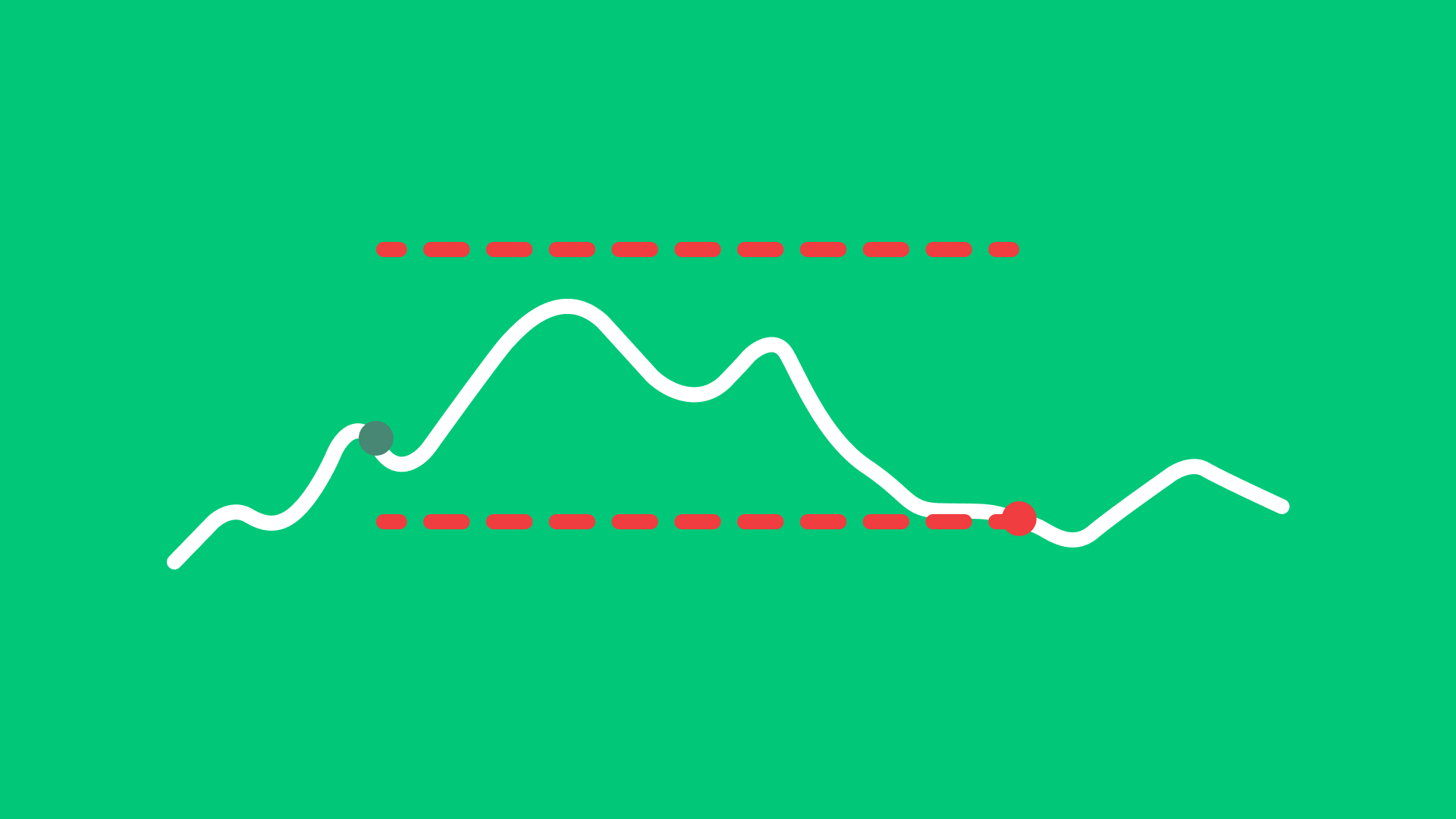
Bracket Order
Order Types
A Bracket Order combines three orders: an initial buy or sell order, a take-profit order, and a stop-loss order. Once the initial order is executed, the system automatically places the two opposite orders to manage risk and potential profit.
Learn more about this order type