Trail Limit Order
The capped one
A trail limit order is a type of order that dynamically adjusts the trail stop price based on a predefined offset or percentage. Once the trailing stop price is reached, the order is submitted as a limit order rather than a market order. This provides a level of price control at the point of execution, while still allowing the trail stop level to follow favorable market movements. Learn more about this order type.

What is a Trail Limit Order?
A trail limit order is an order type that adjusts the trail stop price continuously based on a fixed amount or percentage, relative to the market price. For a sell order, the trail stop price moves upward as the market price increases. For a buy order, the trail stop price moves downward as the market price decreases.
When the trailing stop price is reached, a limit order is submitted to the market. The limit price is typically set at a predefined offset from the trail stop price.
This order type automatically adjusts the trailing stop while keeping tighter control over the execution price, based on recent price movements. This helps you better manage the maximum or minimum price at which the trade can be executed.
Disclaimer
A trail limit order dynamically adjusts the stop price based on market movements and, once triggered, submits a limit order rather than a market order. This provides defined control over the execution price. However, in fast-moving or illiquid markets, there is a risk that the order will not be executed if the market price moves beyond the set limit.
Key Features
Dynamic Adjustment
A trail limit order adjusts the trail stop price automatically based on a predefined trailing amount, which can be set as a fixed value or percentage. As the market price moves in a favorable direction, the trail stop price follows accordingly.
Price Control
When the trailing stop price is reached, the order is submitted as a limit order. The trade will only be executed at the specified limit price or better. This offers greater control over the execution price but may result in non-execution if market conditions do not meet the limit criteria.
How does a Trail Limit Order work?
After a trail limit order is placed, the trailing stop price adjusts automatically in response to changes in the market price.
Buy Order
For a buy trail limit order, the trail stop price moves downward as the market price declines. When the market price increases by the defined trailing amount, the trail stop price is reached and a limit order to buy is submitted. The order is executed only if the market price is at or below the predefined limit price.
Sell Order
For a sell trail limit order, the trail stop price increases as the market price rises. When the market price falls by the trailing amount, the trail stop price is reached and a limit order to sell is submitted. The order will be executed only if the market price is at or above the limit price.
If the market price moves past the limit price without reaching it, the order remains unfilled. This provides price control, but also carries the risk of non-execution in rapidly moving or illiquid markets.
The order will not be executed if the market price moves past the limit price without filling the order, ensuring more precise control over the trade price.
Example:
You own stock XYZ and want to use a trail limit sell order to protect your profits while allowing for upward price movement. You set the initial stop price at 99, the trailing amount at 2, and define a limit price of 98. Once the order is submitted, the stop price is set at 99, and the limit price is offset accordingly.
If the stock price begins to fall and reaches 99, the stop condition is met, and a sell limit order is triggered with a limit price of 98. The order will only be executed if the market price is at or above this limit.
If the stock price rises instead, both the stop and limit prices adjust upward as the price increases. These values update only when the difference between the current market price and the stop price exceeds the trailing amount. For example, if the market price rises to 100.5, the stop and limit prices remain unchanged because the difference between the market price and the stop price is still less than the trailing amount of 2. However, if the market price increases to 105, the trailing logic applies: the stop price moves to 103 (105 minus 2), and the limit price adjusts to 102, maintaining the original distance of one point between the stop and limit.
If the stock price then falls to 103, the trail stop is reached, and a limit order is submitted at 102. Whether or not this order is executed depends on current market conditions. If the market price remains at or above 102, the order may be filled. If the market drops below 102 before execution, the order remains unfilled.
In another scenario, if the market price is initially 100 and you set a trailing amount of 1 without defining a specific stop price, the platform will automatically set the stop price to 99 at entry (100 minus 1). From there, the trailing stop price will continue to adjust upward as the market price increases, keeping the 1-point trailing distance intact.
Advantages and disadvantages
Advantages
Disadvantages
- Dynamic Price Adjustment:
The trailing stop price adjusts automatically with favorable market movements, which allows the order to follow the price trend while maintaining a predefined offset.
- Risk of Non-Execution:
If the market price moves beyond the set limit price without triggering a fill, the order may remain unexecuted, potentially leaving the position exposed to further market movement.
- Price Control:
Because a limit order is used upon activation, the trade will only be executed at the specified limit price or better. This helps reduce the risk of execution at significantly less favorable prices.
- Complexity:
Trail limit orders involve more parameters than basic stop or limit orders. They require careful configuration of both the trailing offset and the acceptable limit price, which increases the risk of incorrect setup.
- Loss Limitation:
Trail limit orders allow for predefined exit conditions by combining a dynamically adjusting stop with a fixed execution limit, supporting structured trade management.
- Short-term Fluctuation Risk:
As with other stop-based orders, trail limit orders may be triggered by temporary price spikes or brief market volatility, potentially resulting in unwanted order activation.
Understanding Key Parameters of a Trail Limit Order
When configuring a Trail Limit Order, it is important to understand the key parameters that determine how the order behaves in response to market movements.
The Stop price establish the trigger point. If the market moves in favorable direction, stop price will be trailing the market price, with the set distance. If the price moves in unfavorable direction, the stop level remains static and if reached, it will trigger a limit order to protect your position against loss.
The limit price defines the price at which the order may be executed. For sell orders, the order fills at the limit price or higher. For buy orders, it fills at the limit price or lower.
The trailing amount defines how far the stop price trails the market in favorable conditions. It can be configured either as a fixed monetary value (in the currency of the product) or as a percentage of the market price.
Instead of entering a limit price directly, you may set a LMT Offset, which defines the difference between the stop price and the limit price once the stop is triggered. The offset determines how far below (for buy) or above (for sell) the stop price the limit price will be placed, helping balance execution probability with price control.
Submitting a Trail Limit Order via LYNX
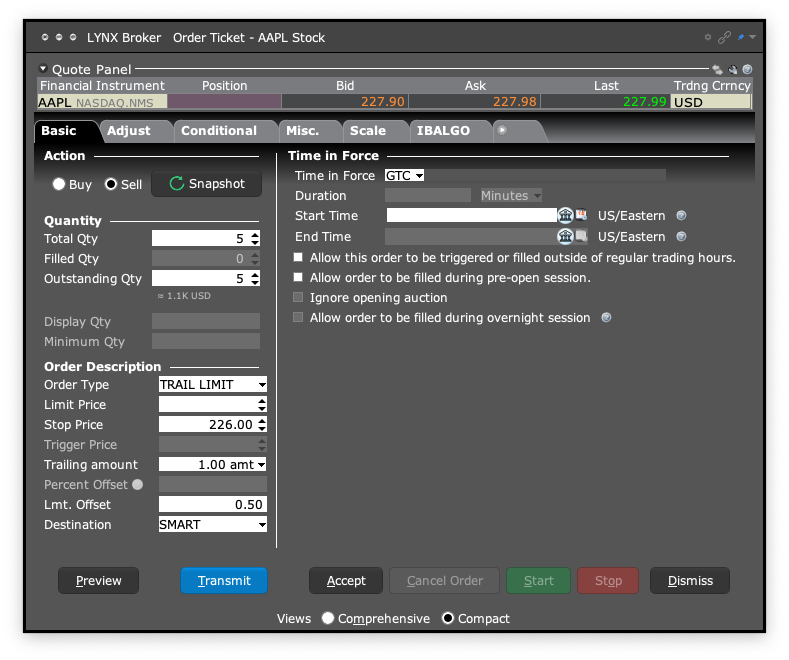
After logging into TWS (Trader Workstation), open an order ticket by selecting Order in the top-left corner. If a specific security is already selected, the order ticket will automatically reference that instrument. You can update the underlying asset by entering its name, ticker symbol, or ISIN in the Financial Instrument field at the top of the ticket.
Choose the action (Buy or Sell), enter the quantity, define the destination, and select the desired Time in Force for the order.
From the Order Type dropdown menu, select TRAIL LMT.
Set the Stop price.
Enter either a Limit price or set LMT Offset.
Configure the Trailing Amount as either a fixed currency value or a percentage.
In the bottom-left corner of the order ticket window, you can click Preview to review the complete order details. To place the order, click Transmit. To cancel or revise before submission, click Close.
To search for a product, tap the Search icon in the top-right corner of the screen. Enter the product name, ISIN, or ticker symbol. Tap the relevant result to open the product overview.
By selecting Sell or Buy, you will access the order ticket.
Specify the quantity and select the appropriate Time in Force for your order. From the order type menu, choose TRAIL LMT.
Set Stop price.
Enter either a Limit price or set LMT Offset.
Configure the Trailing Amount as either a fixed currency value or a percentage.
Before submitting the order, review the configured parameters by tapping the Preview/Calculator icon in the bottom-right corner. To place the order, swipe right on the Slide to Submit Sell/Buy button.
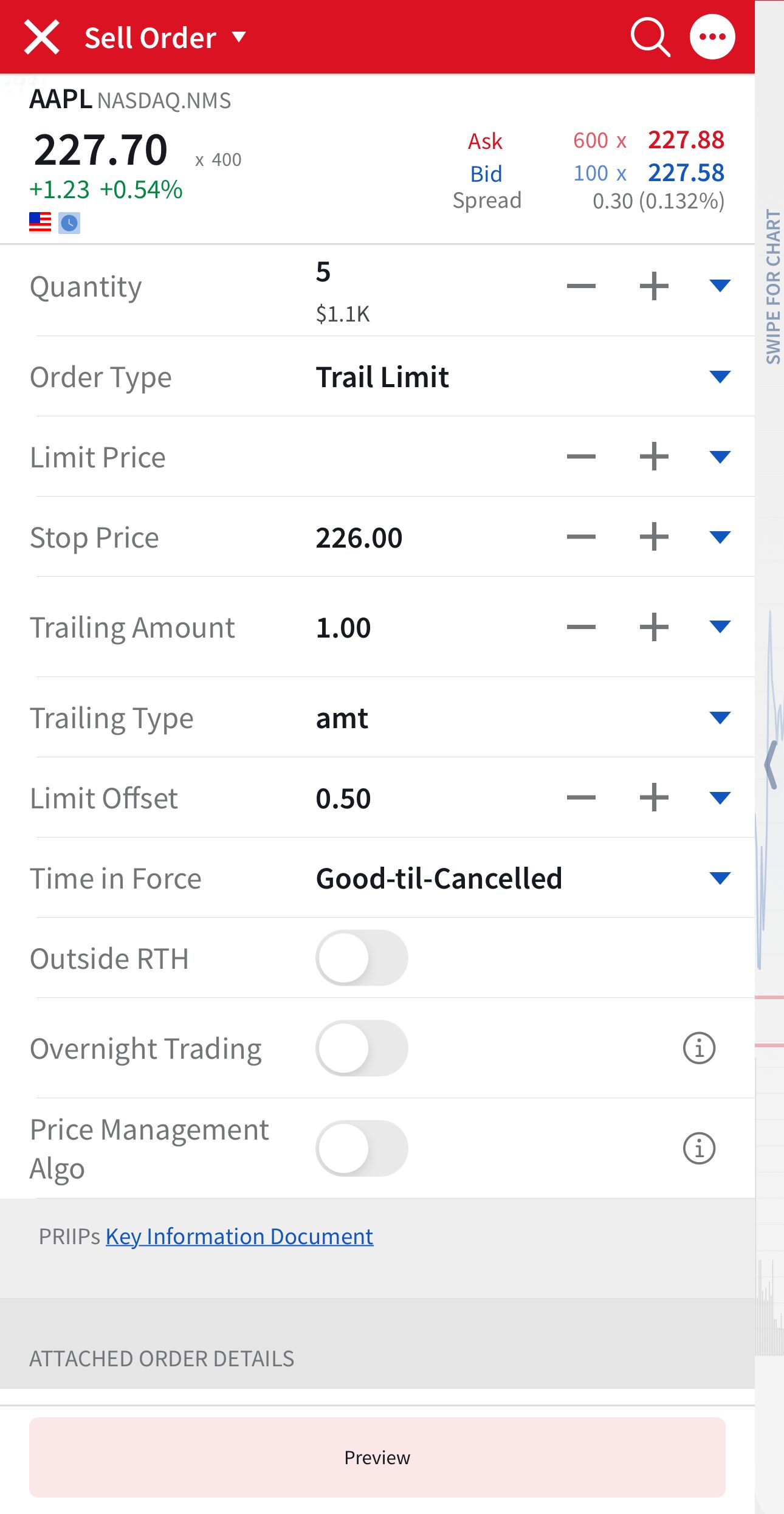
The Trail Limit order type is currently not available within LYNX+. If you intend to use a trailing stop strategy, LYNX+ supports the Trail and Trail % order types. These allow you to define a trailing amount as a fixed value or percentage, respectively, without specifying a limit price.
For orders requiring a defined execution limit, consider using an alternative platform that supports Trail Limit orders, such as Trader Workstation.
Tips before submitting a Trail Limit Order
Placing a trail limit order involves additional parameters compared to standard trailing or stop orders. To improve execution quality and reduce the risk of non-execution or premature triggering, the following aspects should be carefully considered.
Liquidity
Trail limit orders function more reliably in instruments with high trading volumes.
Sufficient liquidity reduces the risk of wide bid-ask spreads and increases the likelihood that the limit order will execute once the stop is triggered.
In illiquid markets, price movements may activate the stop but fail to reach the limit price, resulting in non-execution.
Timing
It is generally advisable to place trail limit orders during regular trading hours, when spreads are narrower and market depth is higher.
Submitting orders during pre-market or after-market sessions, or during high-impact events such as earnings announcement, can increase the chance of erratic price movements that affect stop and limit levels.
Monitoring
The bid-ask spread and underlying volatility directly affect whether a limit order can be filled after the trailing stop is triggered. If the spread is wide or highly variable, there may be a significant gap between the stop price and the best available price, resulting in missed execution. Monitoring the spread before order entry can help mitigate this risk.
The trailing amount (either as a fixed value or percentage) determines how the stop price adjusts in line with market movements. Setting this value too narrowly may result in premature triggering. In addition, the Limit Offset, the difference between the stop and limit price, must be large enough to account for typical price fluctuations while maintaining acceptable price control. Both parameters should align with the asset’s trading behavior.
FAQ
Will my trail limit order be executed if the market is closed?
Yes, but only if it is configured accordingly. For stocks, IBKR allows Trail Limit, Limit, and Stop Limit order types to remain active during pre-market and after-market sessions, provided these extended trading hours are explicitly enabled in the order ticket. Market, Stop, and Trail (Market) orders, however, are typically restricted to regular trading hours depending on the exchange.
For derivatives, supported order types outside regular hours may vary. For more details, refer to the page on Outside Regular Trading Hours.
What is the difference between a stop order and a trail limit order?
Both stop orders and trail limit orders are used to manage risk by automating trade execution when a specified price level is reached. However, there are key differences in how the stop price is determined and what type of order is submitted once triggered.
With a stop order, a fixed stop price is defined in advance. When the market reaches this level, a market order is submitted, meaning the execution will occur at the next available price. This provides immediate execution but with no control over the final price.
In contrast, a trail limit order uses a dynamically adjusting stop price that follows the market at a set distance—either a fixed amount or a percentage. When the trailing stop is triggered, a limit order is submitted instead of a market order. This gives the investor more price control but introduces the risk that the trade may not be executed if the limit price is not met.
In summary, a stop order prioritizes execution, while a trail limit order prioritizes price control with added flexibility from the trailing mechanism.
When can I consider using a trail limit order?
Trail limit orders are well suited for situations where you want to secure profits or limit potential losses, while maintaining control over the execution price. They are particularly effective in trending markets where price movements are favorable but unpredictable.
Because the stop price adjusts dynamically, these orders allow your position to benefit from positive price developments, while the limit condition ensures that execution occurs only at a defined or better price. This order type is appropriate when price protection and execution control are more important than guaranteed execution.
What should I consider before placing a trail limit order?
Before submitting a trail limit order, it is important to evaluate several key factors. Market conditions, such as volatility and liquidity, can significantly impact how the trailing stop behaves and whether the limit price will be reached after the order is triggered.
Because a trail limit order converts into a limit order once activated, there is a risk that the order may not be executed if the market price moves beyond the set limit. Additionally, the choice of trailing amount and limit offset should reflect the typical price movements of the instrument to avoid premature triggering or missed execution. Reviewing these elements can help determine whether a trail limit order aligns with your trading objectives and risk tolerance.
Can I cancel a trail limit order after it has been placed?
Yes, a trail limit order can be cancelled at any time before the stop price is reached and the order is triggered.
Once the trailing stop is activated and a limit order is submitted, the cancellation may still be possible, but only if the order has not yet been executed. If the limit price has already been met in the market, the order may be filled before cancellation can take effect. It is therefore recommended to monitor active orders closely if changes may be required.
Explore other order types

Market Order
Order Types
A market order is an instruction to buy or sell a financial instrument as quickly as possible at the best available price on the exchange. It prioritises execution speed over price control.
Learn more about this order type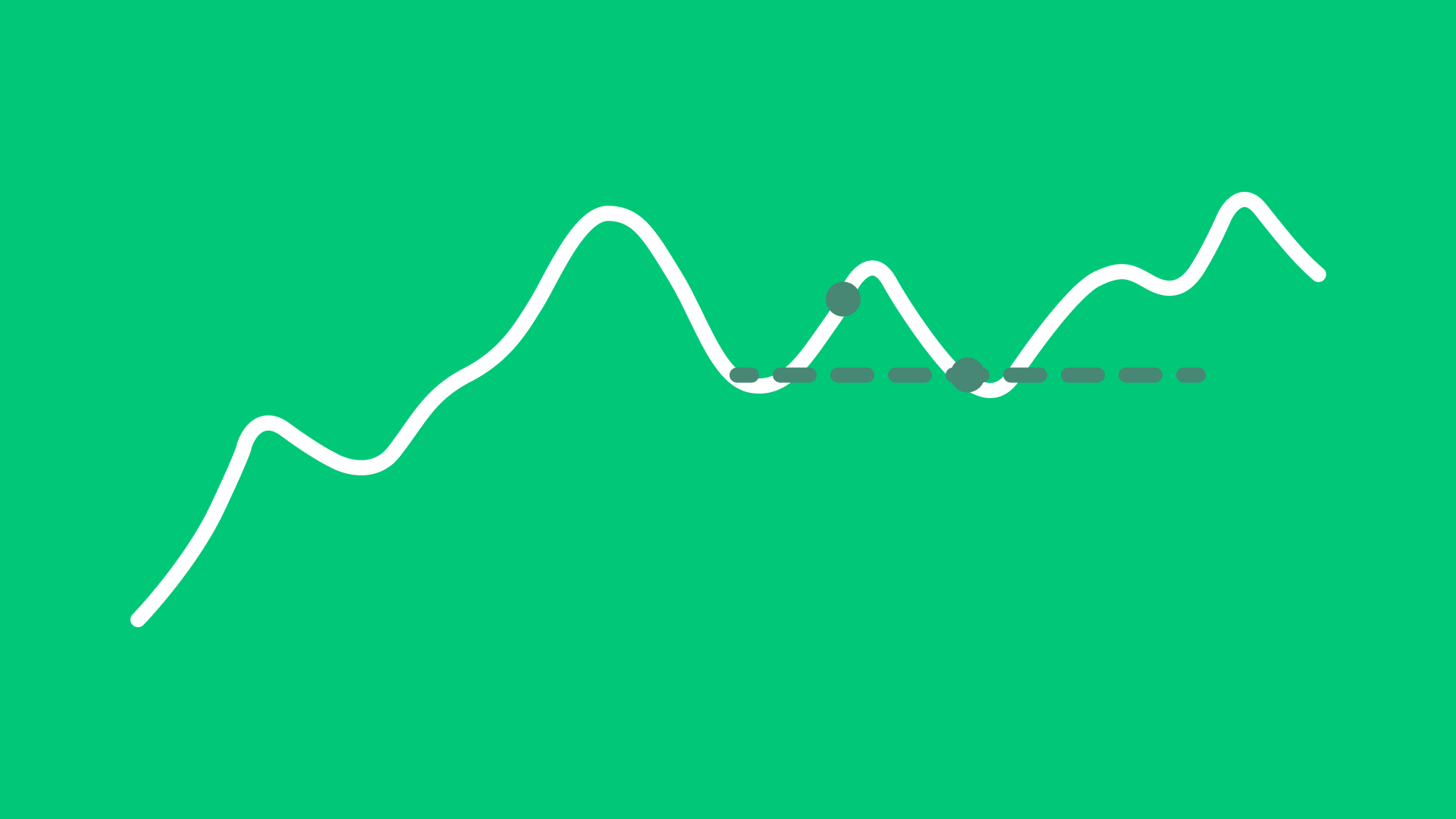
Limit Order
Order Types
A limit order is an instruction to buy or sell a financial instrument at a specified price or better. It provides price control, but execution is only possible if the market reaches the set limit price.
Learn more about this order type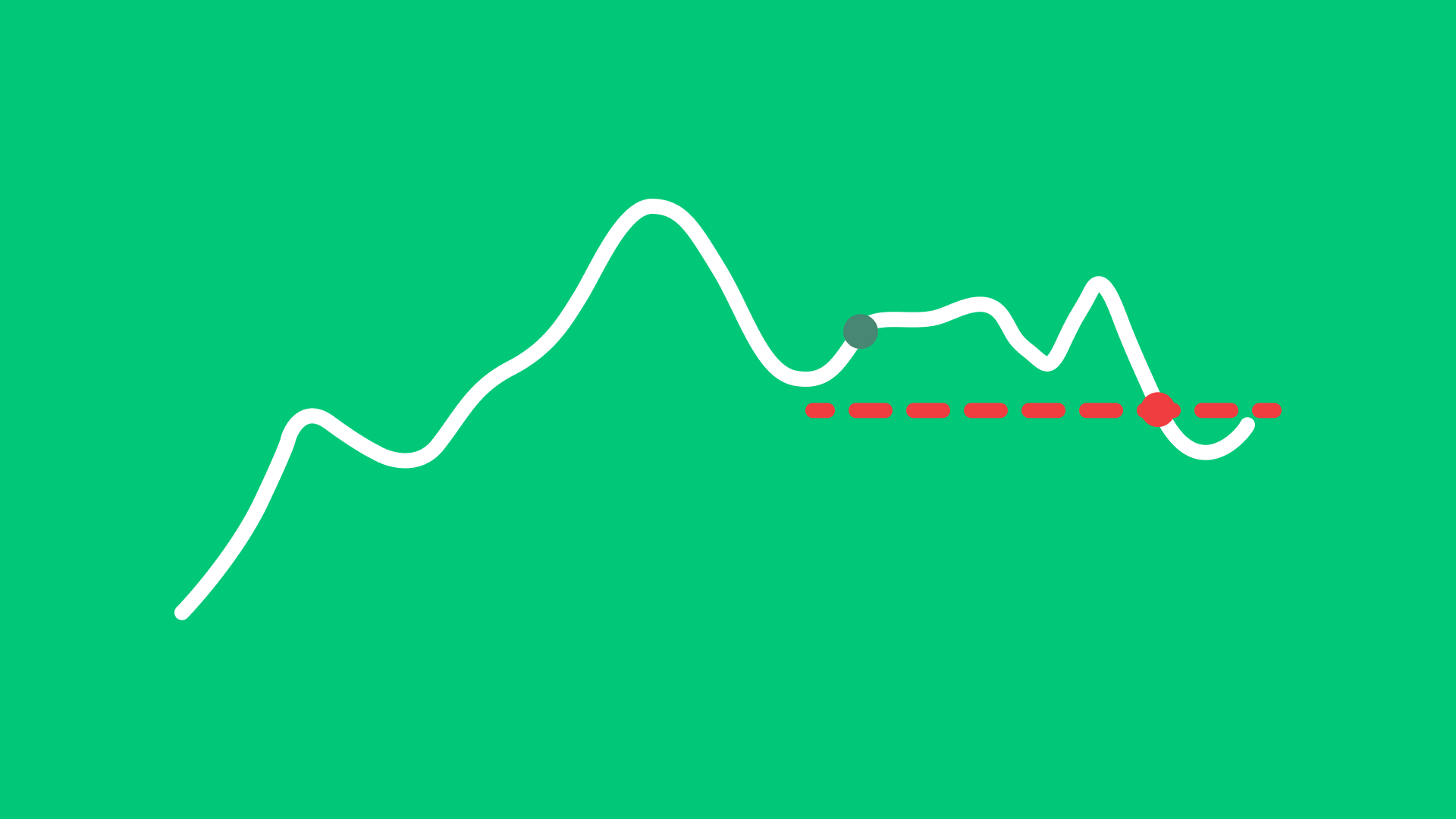
Stop Order
Order Types
A stop order is activated once a specified stop price is reached. It then becomes a market order to buy or sell the financial instrument.
Learn more about this order type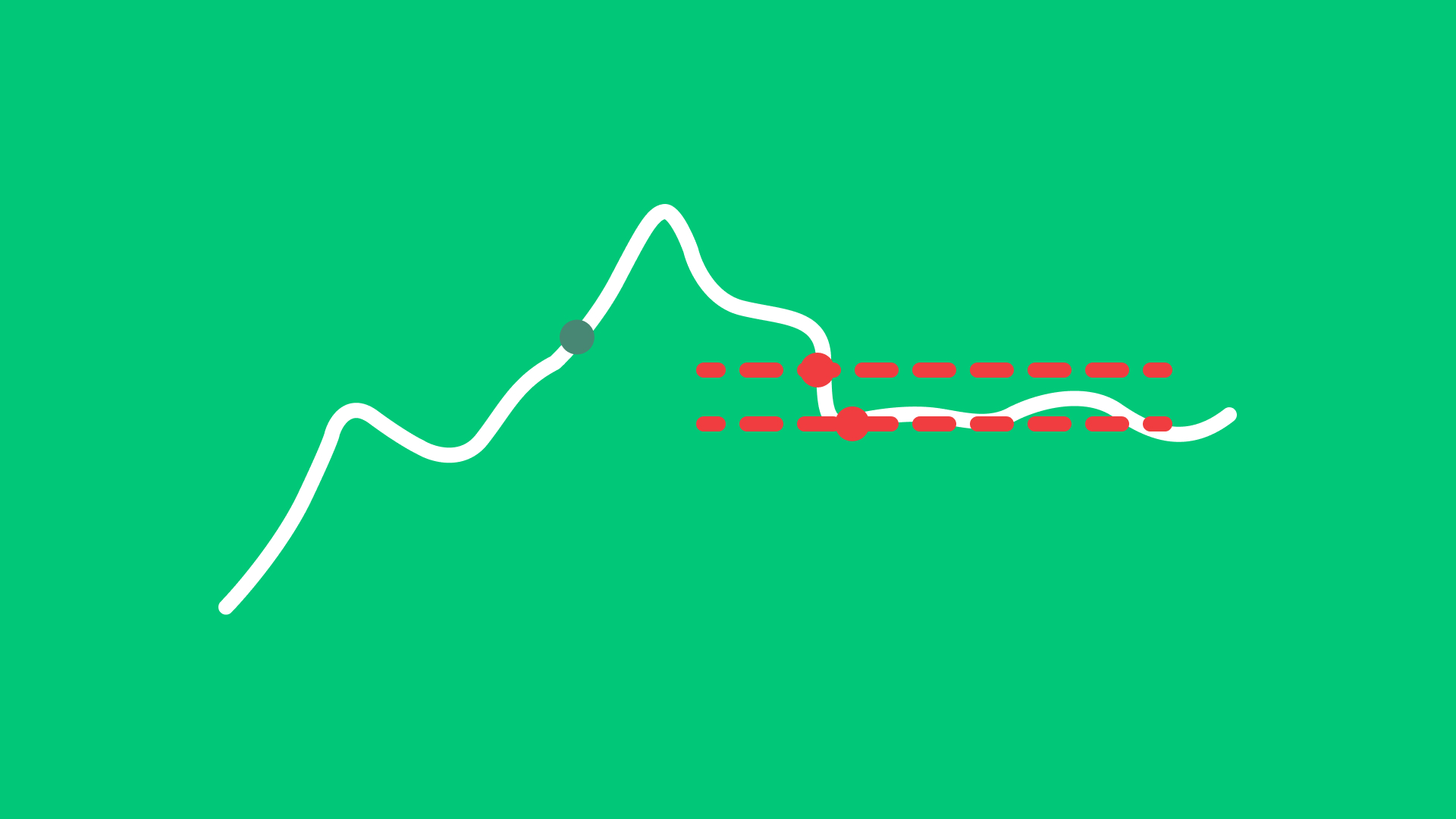
Stop Limit Order
Order Types
A stop-limit order is triggered once a specified stop price is reached. After activation, it becomes a limit order at the user-defined limit price.
Learn more about this order type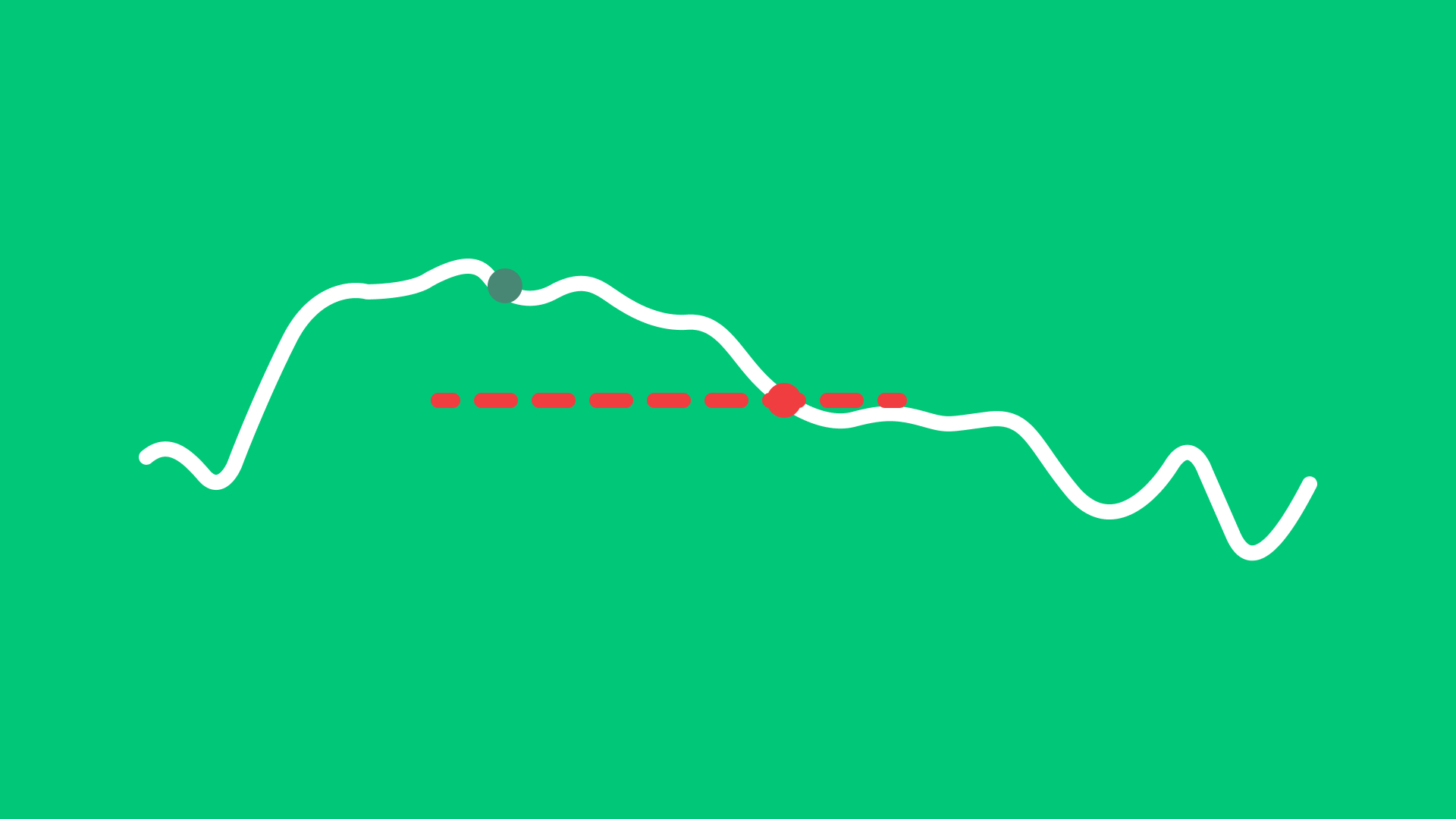
Trail Order
Order Types
A trail order automatically adjusts the stop price by a fixed amount or percentage as the market price moves, helping to follow upward or downward trends.
Learn more about this order type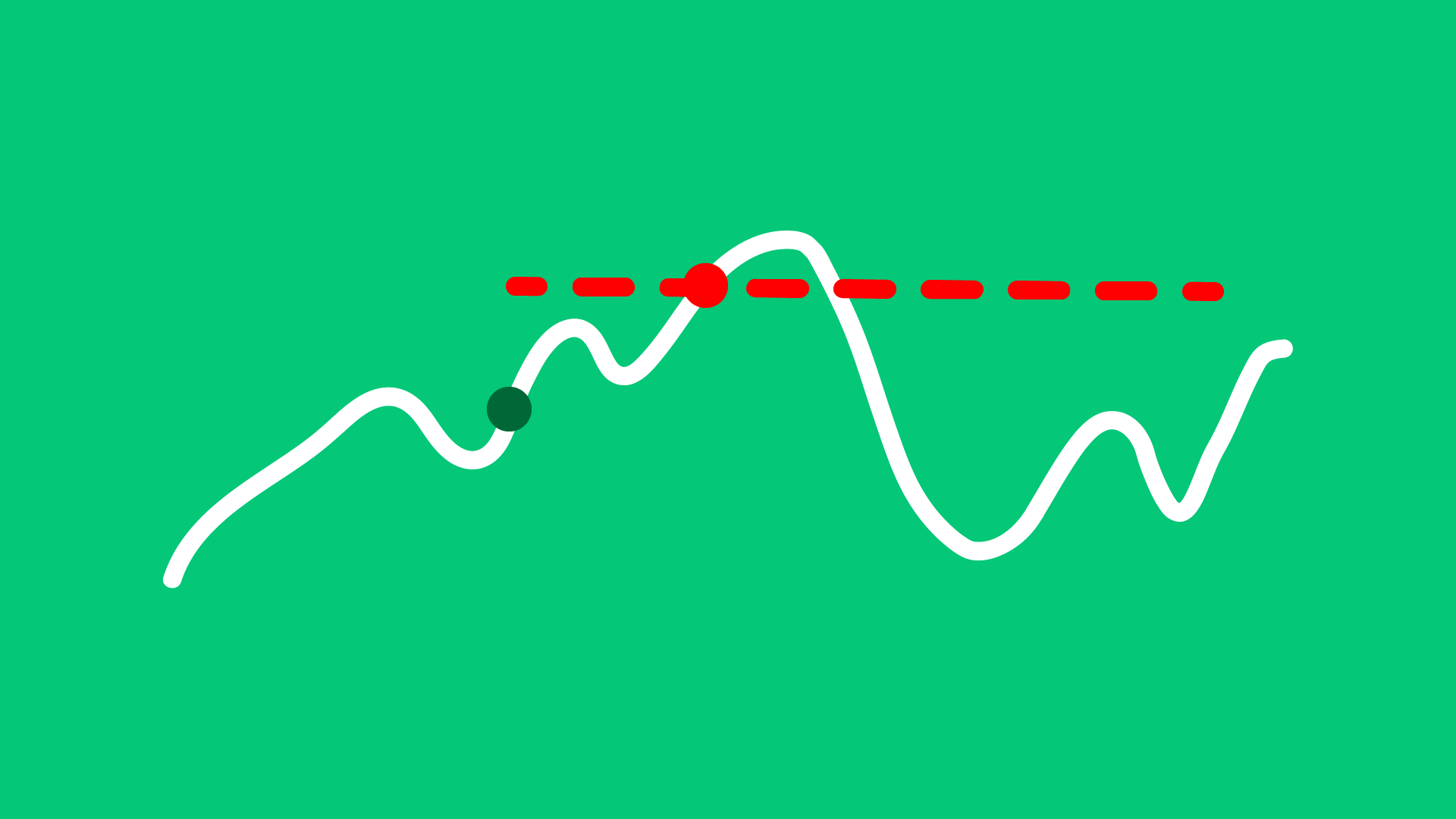
Market if Touched Order
Order Types
A Market if Touched order is activated when the market reaches a predefined trigger price. Once triggered, it becomes a market order and is executed at the best available price.
Learn more about this order type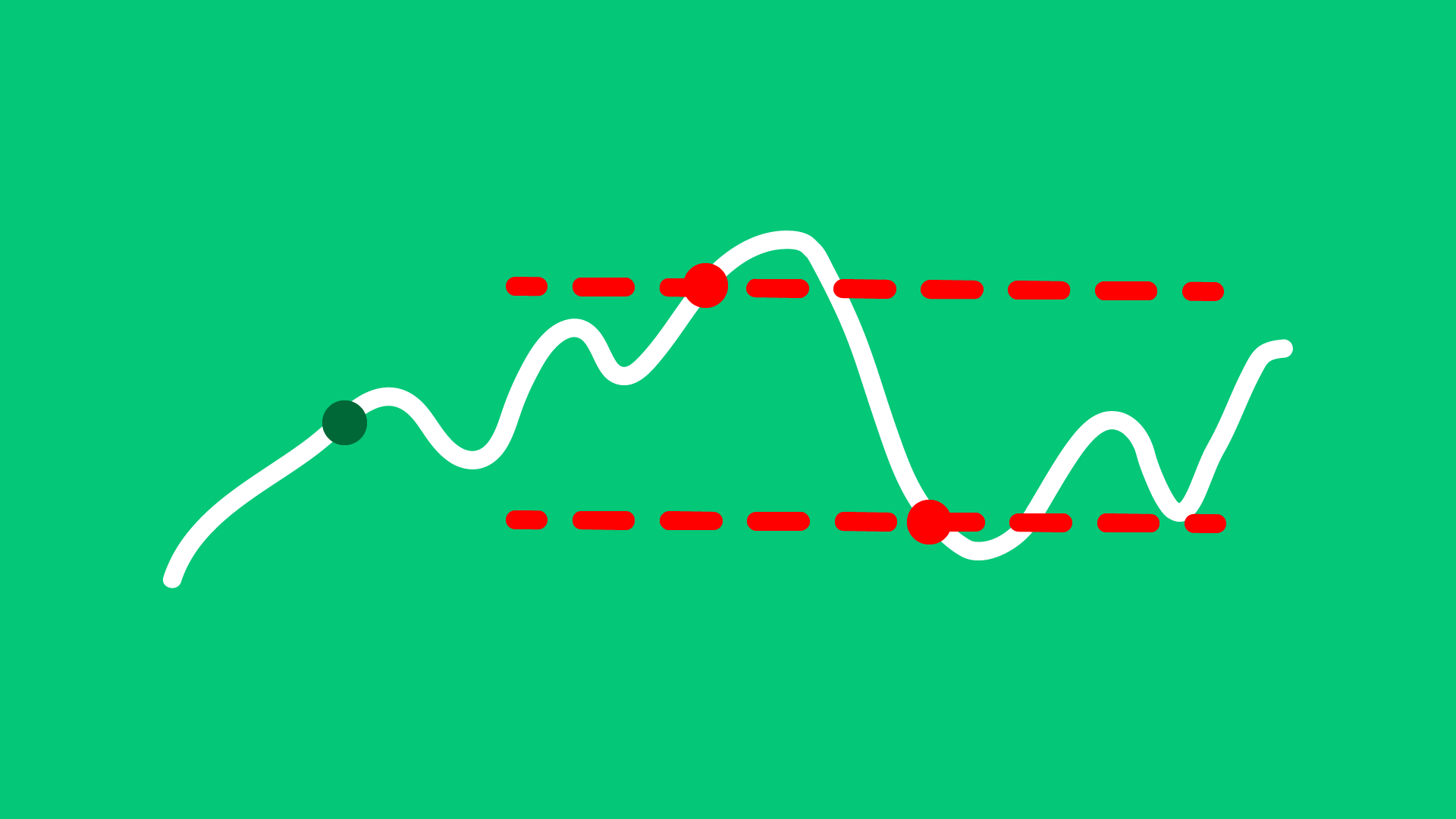
Limit if Touched Order
Order Types
A Limit If Touched order is activated when the market reaches a predefined trigger price. Once triggered, it becomes a limit order at the user-specified price.
Learn more about this order type
Bracket Order
Order Types
A Bracket Order combines three orders: an initial buy or sell order, a take-profit order, and a stop-loss order. Once the initial order is executed, the system automatically places the two opposite orders to manage risk and potential profit.
Learn more about this order type