Stop Order
The conditional one
A stop order is an instruction to buy or sell a security once its price reaches a specified level, at which point the order becomes a market order. While it can help manage risk, execution is not guaranteed at the stop price due to market volatility. Learn more about this order type.

What is a Stop Order?
A stop order is an instruction to buy or sell a security once its price reaches a specified level, known as the stop price. When this price is reached, the order becomes a market order and will be executed at the next available price.
Stop orders are commonly used to help manage investment risk, for example by aiming to limit losses or protect gains. However, because the order becomes a market order upon activation, the actual execution price may differ from the stop price, especially in volatile markets. This means execution is not guaranteed at the exact stop level.
Disclaimer:
By selecting this order type, you choose to activate the order only when the stop price is reached, which may help manage price movements rather than ensure immediate execution. Stop orders are commonly used to help limit potential losses or protect gains. However, in highly volatile or illiquid markets, the actual execution price may differ significantly from the stop price. This could result in execution at a less favorable price than expected.
Key Features
Conditional Execution
- A stop order is triggered only when the security’s price reaches the specified stop level.
- It is not executed until the stop price is hit, making it different from a market order that is executed immediately.
Risk Management Tool
- When placing a stop order, you set a specific price level to help manage your losses or protect potential profits.
- However, the actual execution price may differ from the stop price due to market conditions, especially in volatile markets. A stop order does not guarantee execution at the specified price.
How does a Stop Order work?
After you place a stop order, it remains inactive until the security’s price reaches the stop level.
Buy Order
Buy Order
If it’s a buy stop order, the order will be activated when the price rises to the stop level, converting into a market order to buy the security.
Sell Order
Sell Order
If it’s a sell stop order, the order will be activated when the price falls to the stop level, converting into a market order to sell the security.
Once triggered, the order is executed at the next available price. However, if there is limited liquidity or high market volatility, the execution price may be significantly different from the stop price. A stop order does not guarantee execution at the stop level.
Example:
You would like to sell 300 shares of XYZ to help protect your profits. The shares are currently trading at €20.00 per share. You place a stop order with a stop price of €18.00. If the price drops to €18.00, your stop order becomes a market order and will attempt to sell the 300 shares at the next available prices.
If the best available bid price is €17.50 when the stop price is reached, your order will be executed at that price, not necessarily at €18.00.
If there is not enough liquidity at the best available bid price, your stop order may be filled at progressively lower bid prices until the entire order is executed. For example, if 100 shares are available at a bid price of €18.00 and the next available bid is €17.00, your order would be partially filled. You would sell 100 shares at €18.00 and the remaining 200 shares at €17.00, assuming these prices are available and there are buyers willing to purchase at those levels.
Advantages and disadvantages
Advantages
Disadvantages
- Helps Manage Losses:
When the stop price is reached, a stop order becomes a market order and is executed at the next available price. This can help reduce the impact of adverse price movements, although the final execution price may vary.
- Lack of Price Control:
Once the stop price is triggered, the order becomes a market order. This means you cannot control the execution price, which may differ significantly from your expectations.
- Automation and Convenience:
Stop orders are executed automatically once the specified price level is reached. This reduces the need for continuous monitoring of the market and may help save time and effort.
- Slippage Risk:
Slippage refers to the difference between the expected price and the actual execution price. This is common with stop orders, especially in volatile or illiquid markets.
- Volatile Markets:
In fast-moving markets, a stop order may help exit a position more quickly if the price moves unfavorably. However, price volatility can also increase the risk of execution at less favorable prices.
- Short-term Fluctuation Risk:
Stop orders can be triggered by short-lived price fluctuations that do not reflect the longer-term market trend. This can result in an early exit from a position that might have recovered.
Submitting a Stop Order via LYNX
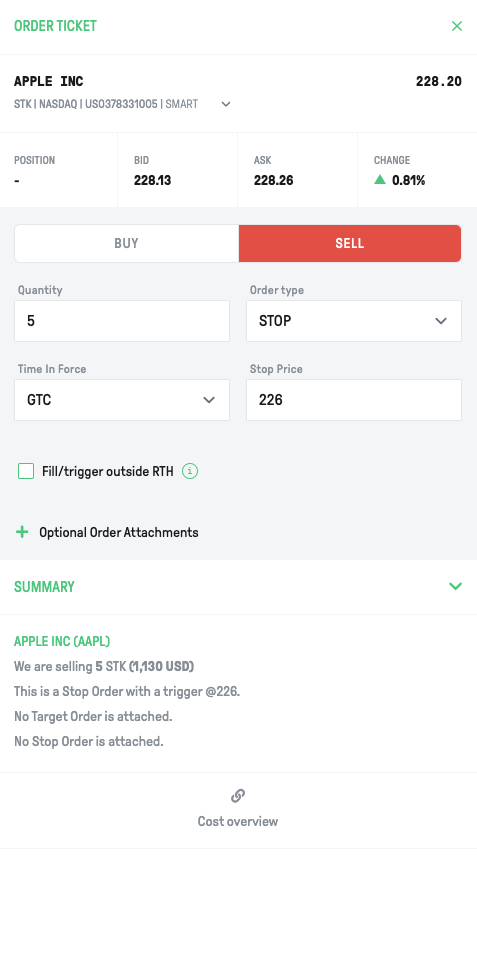
In LYNX+, you can find specific securities using the search bar in the top right corner. You can search by name, ISIN code, or ticker symbol.
After selecting a product, you will be taken to its overview page. In the top right corner, you can click Buy or Sell to open the order ticket. Enter the desired quantity and select the time in force for your order.
From the Order Type dropdown, select STP (Stop Order). A stop order becomes a market order when the stop price is reached and will be executed at the next available price.
Once you have customized your order, review all details in the Summary. To proceed, click Send Order to submit, or Cancel to discard.
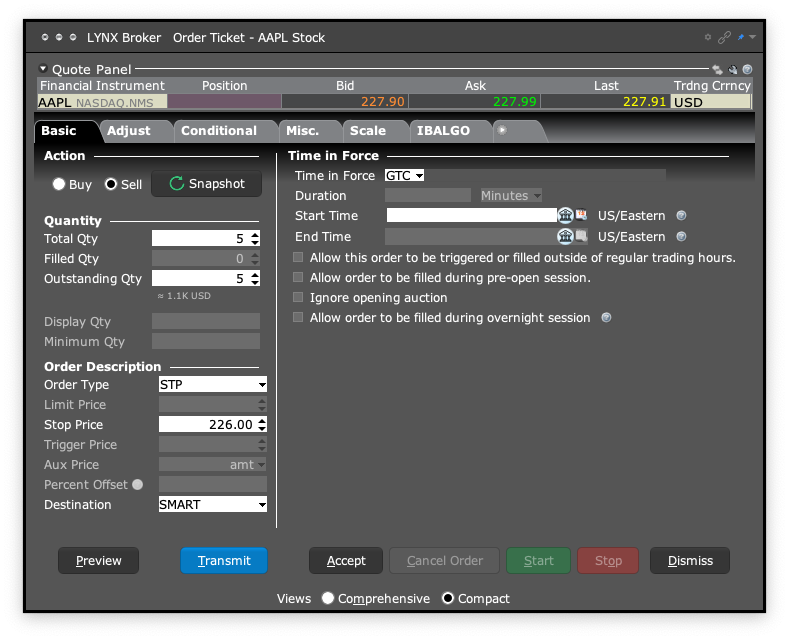
After logging into the TWS, open the order ticket by clicking Order in the top left. If you already have a security selected, the system will automatically open an order ticket for that instrument. You can change the underlying by typing the name, ticker code, or ISIN in the Financial Instrument field at the top of the order ticket.
Choose the action (Buy or Sell), specify the quantity, set the destination, and select the time in force for your order.
From the Order Type dropdown, select STP (Stop Order) if you want the order to be triggered only when the security reaches a specified stop price.
At the bottom left of the order ticket window, click Preview to review your order details. To continue, click Transmit to submit the order, or Cancel to discard it.
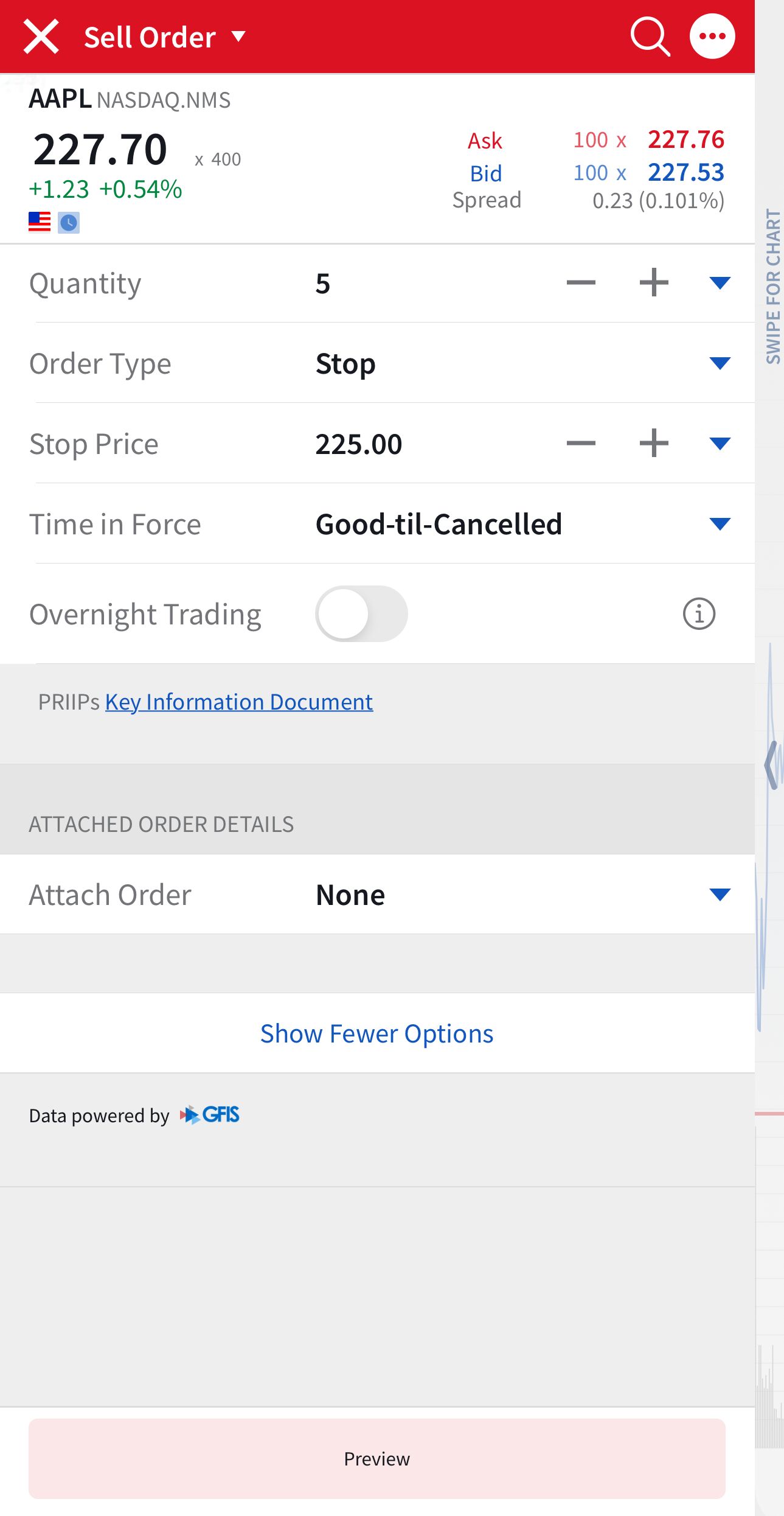
To search for a product, tap the Search icon in the top right. Enter the name, ISIN, or ticker symbol. Tap a result to open the product’s page.
Tap Sell or Buy to open the order ticket. Specify the quantity and select the Time in Force for your order.
From the Order Type menu, choose STP (Stop Order) if you want the order to be triggered only once the price reaches a specified stop level.
Before submitting your order, tap the Preview/Calculator icon in the bottom right to review all parameters. To confirm, swipe right on Slide to Submit Buy/Sell. Remember, stop orders do not guarantee execution at the stop price.
Tips before submitting a Stop Order
When submitting a stop order, it is important to understand the factors that may affect how your order is executed. While certain steps may help reduce risks, stop orders do not guarantee execution at the stop price.
Liquidity
Ensure the asset you are trading has sufficient liquidity.
Higher liquidity can result in tighter bid-ask spreads and may reduce the risk of price movements when your order is triggered.
However, large orders may still be filled in parts and at varying prices.
Timing
Stop orders can only be executed during regular trading hours (with some exceptions, e.g. Futures). However, they can be placed outside of regular trading hours.
Please be aware that during volatile periods, such as earnings or major data releases, prices can change rapidly and affect the final execution price.
Monitoring
The bid-ask spread is the difference between the highest price a buyer is willing to pay and the lowest price a seller is willing to accept.
A wider spread can result in higher costs for executing a stop order. Monitor the spread and consider its impact on your trade.
FAQ
Will my stop order be executed if the market is closed?
Stop orders and market orders for US stocks are only eligible for execution during Regular Trading Hours (09:30 – 16:00 EST). If you place a stop order outside of these hours, it will remain active but will not be triggered or executed until the market opens.
Only certain order types, such as Limit and Stop Limit orders, can be configured to work during Pre-Market or After-Market sessions for US equities.
Always check the time-in-force settings of your order and ensure that your order type is supported during extended trading hours if you intend to trade outside the regular session.
What is the difference between the stop order and stop-limit order?
If you want to manage potential losses in a particular product, you can place a stop or stop-limit order. Once the price of a stock reaches your stop price (this is called triggering an order), an instruction is sent to the exchange to buy or sell (depending on whether you hold a long or short position). The difference between a stop and a stop-limit order lies in the type of order that is submitted to the market once your stop price is reached. Once triggered, the order is generally not cancellable.
With a stop order, a market order is generated, meaning that you agree to buy or sell a predetermined number of units at the best available price in the market. However, the execution price may differ significantly from the stop price in volatile or illiquid markets.
With a stop-limit order, a limit order is generated, which specifies the minimum price at which you wish to sell or the maximum price at which you wish to buy. This provides price control but carries the risk that the order may not be executed if the limit price cannot be met.
Stop and stop-limit orders do not guarantee execution or loss limitation and are subject to market conditions.
When can I consider using a stop order?
You may consider using a stop order when you want to limit potential losses or help preserve gains on a position. A stop order becomes a market order once the specified price is reached, but execution is not guaranteed at the stop price. This type of order is useful when you value the likelihood of order execution more than price certainty, particularly in volatile markets.
What should I consider before placing a stop order?
Before placing a stop order, consider current market conditions, potential price volatility, and whether you are prepared for the order to execute at the next available price, potentially below or above your stop price. Once the stop price is reached, the order becomes a market order, and the execution price may differ significantly from the stop price in volatile or illiquid markets.
Can I cancel a stop order after it has been placed?
Yes, you can cancel a stop order at any time before it is triggered. However, once the stop price is reached, the stop order becomes a market order and cannot be cancelled. At that point, the order is submitted for execution at the next available price, which may differ significantly from the stop price, especially in volatile markets.
How does the system deal with Odd-lot orders?
Odd-lot orders, orders for a quantity of shares smaller than the standard trading unit, may be routed or executed differently compared to round-lot orders. These orders can be subject to different execution venues, pricing conditions or delays. Interactive Brokers applies specific routing rules and exceptions for odd-lot orders, which may affect execution quality. You can find detailed information about these exceptions and handling procedures on the following page: What is an “Odd Lot” in Stocks?
Explore other order types

Market Order
Order Types
A market order is an instruction to buy or sell a financial instrument as quickly as possible at the best available price on the exchange. It prioritises execution speed over price control.
Learn more about this order type
Limit Order
Order Types
A limit order is an instruction to buy or sell a financial instrument at a specified price or better. It provides price control, but execution is only possible if the market reaches the set limit price.
Learn more about this order type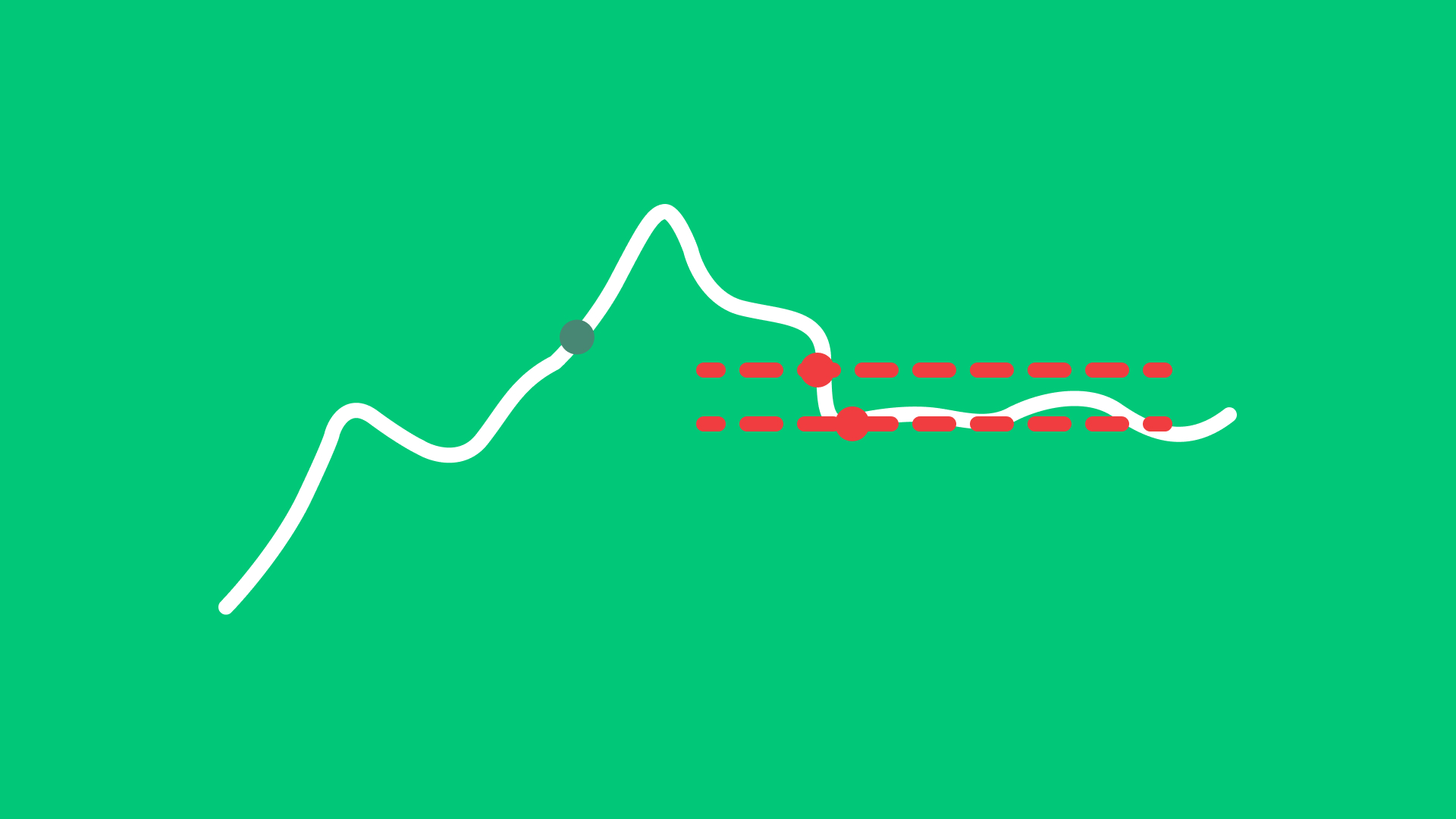
Stop Limit Order
Order Types
A stop-limit order is triggered once a specified stop price is reached. After activation, it becomes a limit order at the user-defined limit price.
Learn more about this order type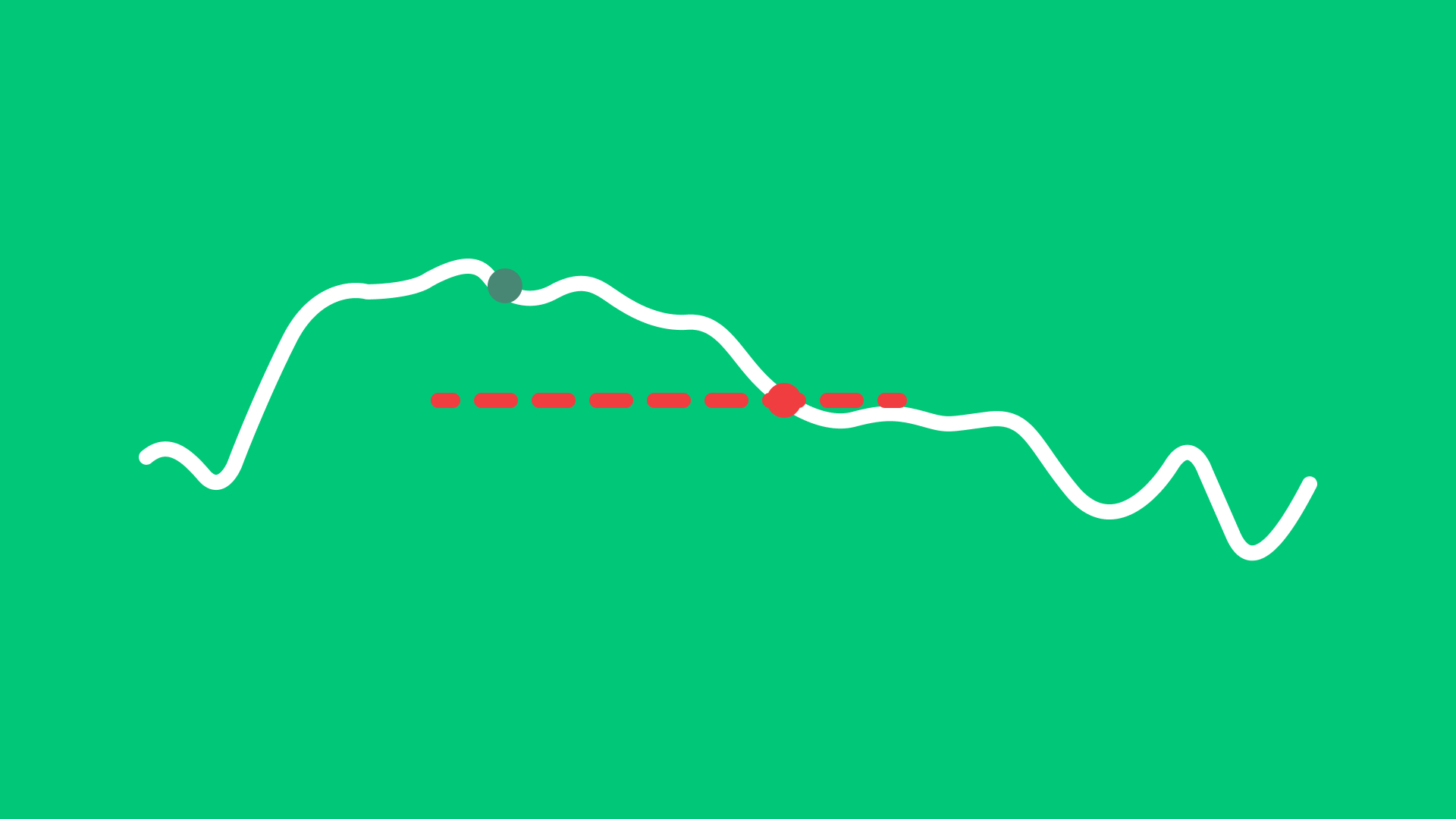
Trail Order
Order Types
A trail order automatically adjusts the stop price by a fixed amount or percentage as the market price moves, helping to follow upward or downward trends.
Learn more about this order type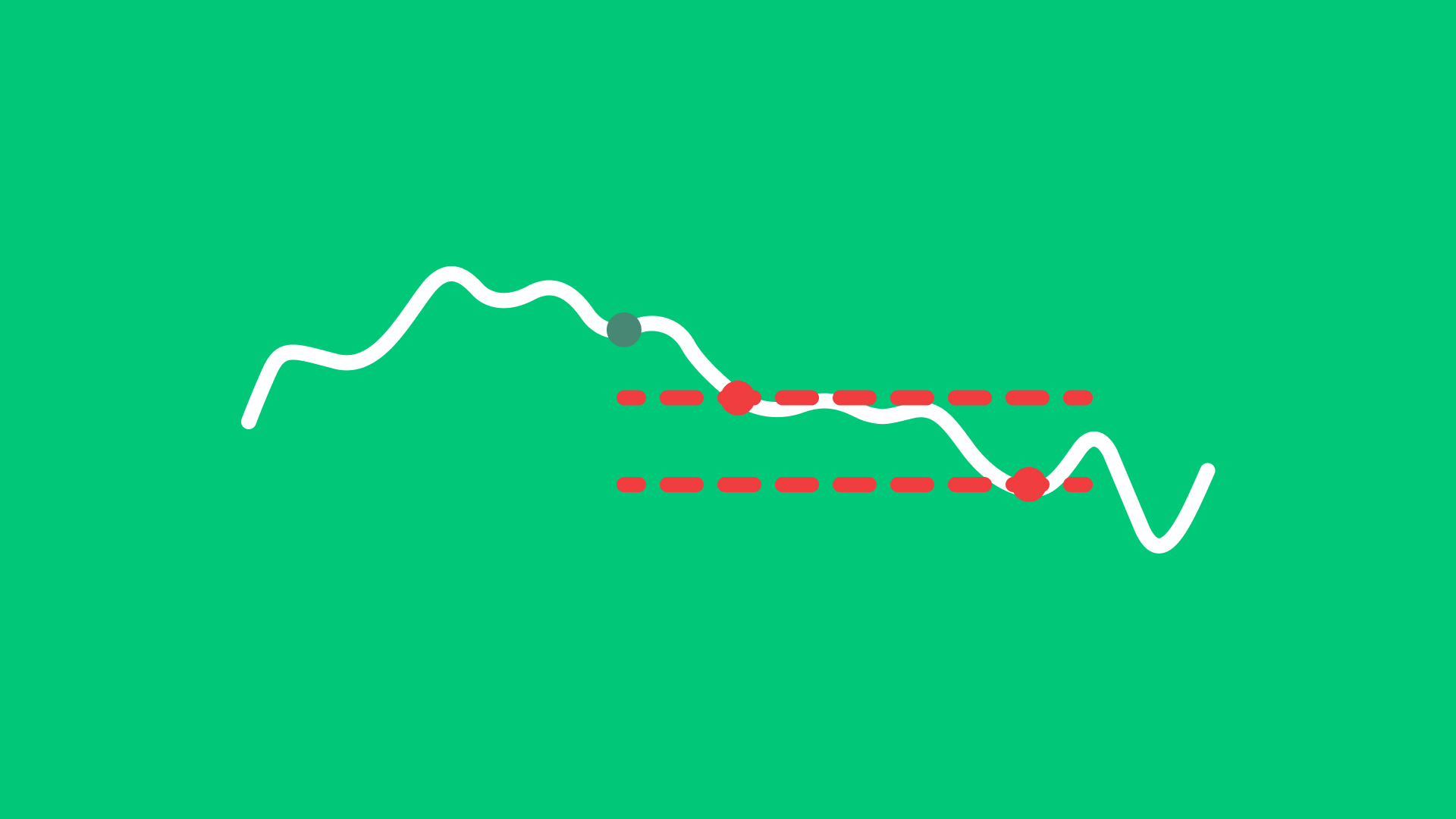
Trail Limit Order
Order Types
A trail limit order adjusts the stop price by a fixed amount or percentage as the market moves. Once the stop price is reached, a limit order is placed at the predefined limit level.
Learn more about this order type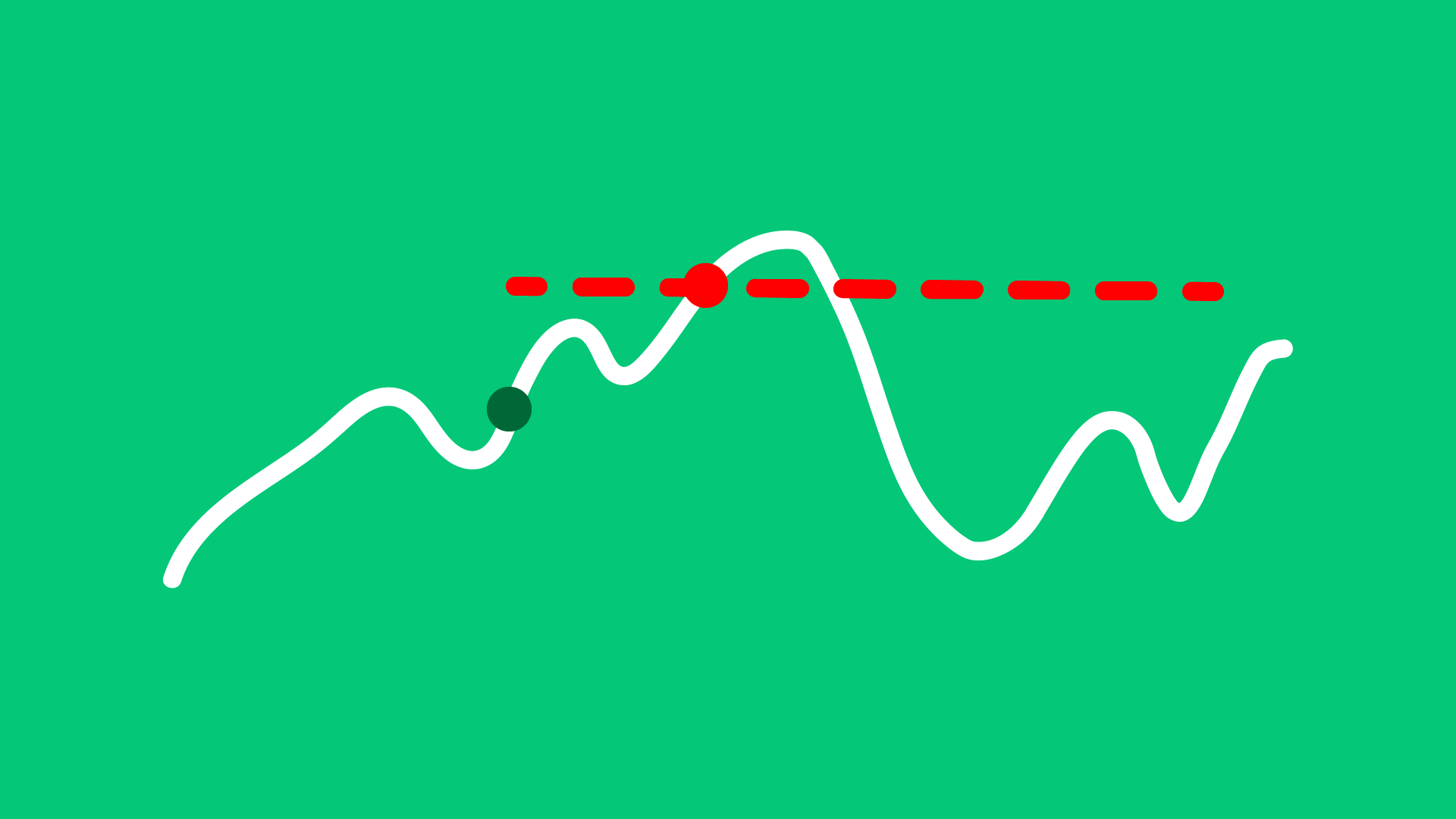
Market if Touched Order
Order Types
A Market if Touched order is activated when the market reaches a predefined trigger price. Once triggered, it becomes a market order and is executed at the best available price.
Learn more about this order type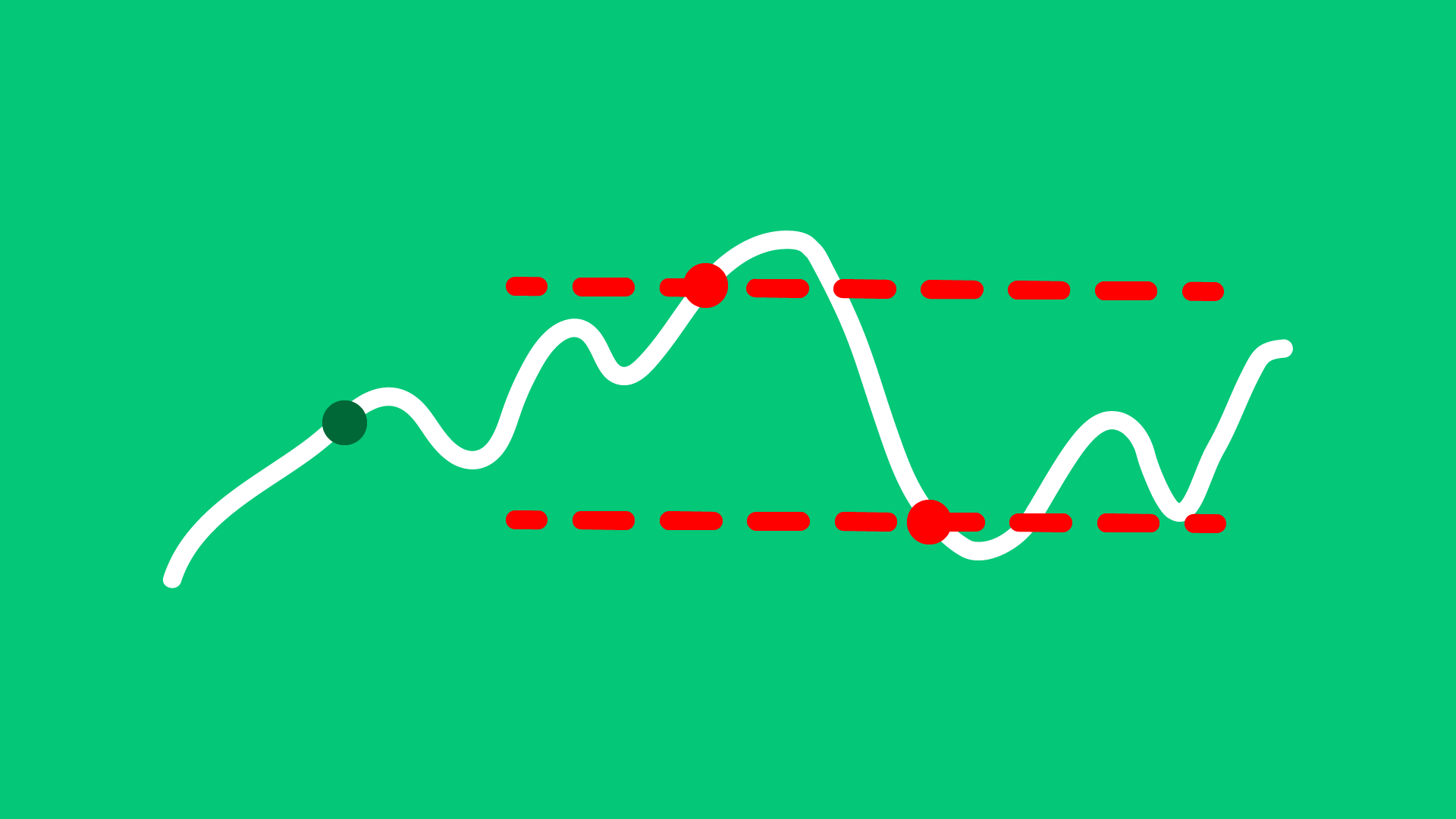
Limit if Touched Order
Order Types
A Limit If Touched order is activated when the market reaches a predefined trigger price. Once triggered, it becomes a limit order at the user-specified price.
Learn more about this order type
Bracket Order
Order Types
A Bracket Order combines three orders: an initial buy or sell order, a take-profit order, and a stop-loss order. Once the initial order is executed, the system automatically places the two opposite orders to manage risk and potential profit.
Learn more about this order type